


众所周知,我们的世界在不断发展,几乎每天都有新技术出现。如今,再也没有必要在自己的办公室建立整个基础设施,雇用人员监控设备,处理设备出现的问题和其他困难。
如今,越来越多的服务机构提供业务云解决方案,例如FastReport Cloud。我们的服务为开发团队节省了不必要的工作;您不再需要考虑如何部署项目,在哪里租用或购买服务器最合适、最有利,以及使用什么技术进行部署。我们已经解决了所有这些问题,您需要做的就是利用好这些优势。
如何使用FastReport云?
在本文中,我们将探讨如何使用SDK在FastReport Cloud中创建报告,并将其导出为任何方便的格式。
首先,让我们创建一个项目并添加FastReport.Cloud.SDK.Web nuget包。有了这个包,我们就可以方便地与 FastReport Cloud 进行通信,而无需 API。
我们还需要一个报告模板。本例将使用演示版中的 Box.frx:
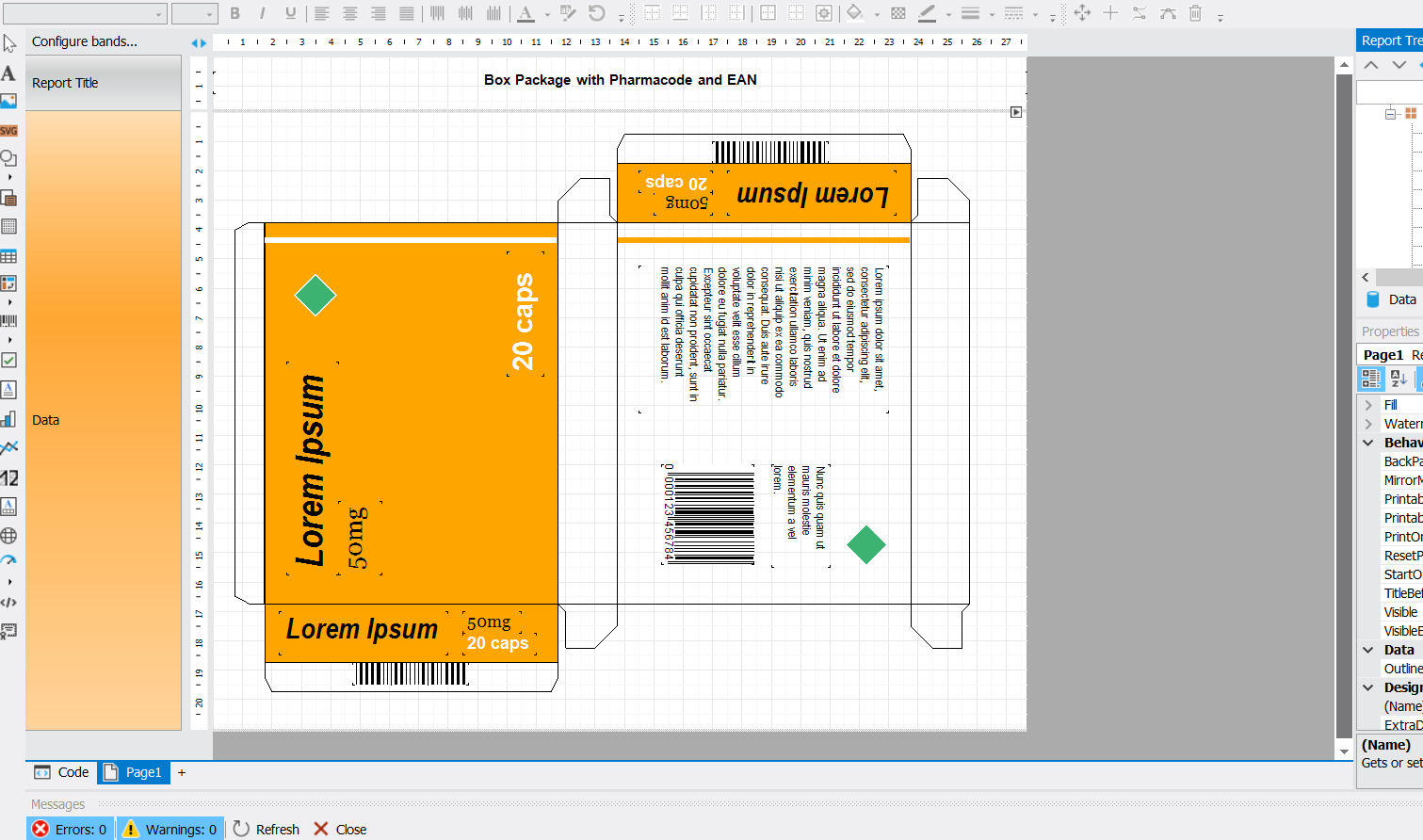
创建项目并添加所有必要的依赖项后,就可以开始分析示例了。
一开始,您需要在 FastReport Cloud 工作区中创建一个 API 密钥;为此,请点击链接 https://fastreport.cloud。
单击 API 密钥选项卡并创建一个新密钥。如果密钥已经存在,则可以右键单击它并从下拉列表中选择操作来复制它。
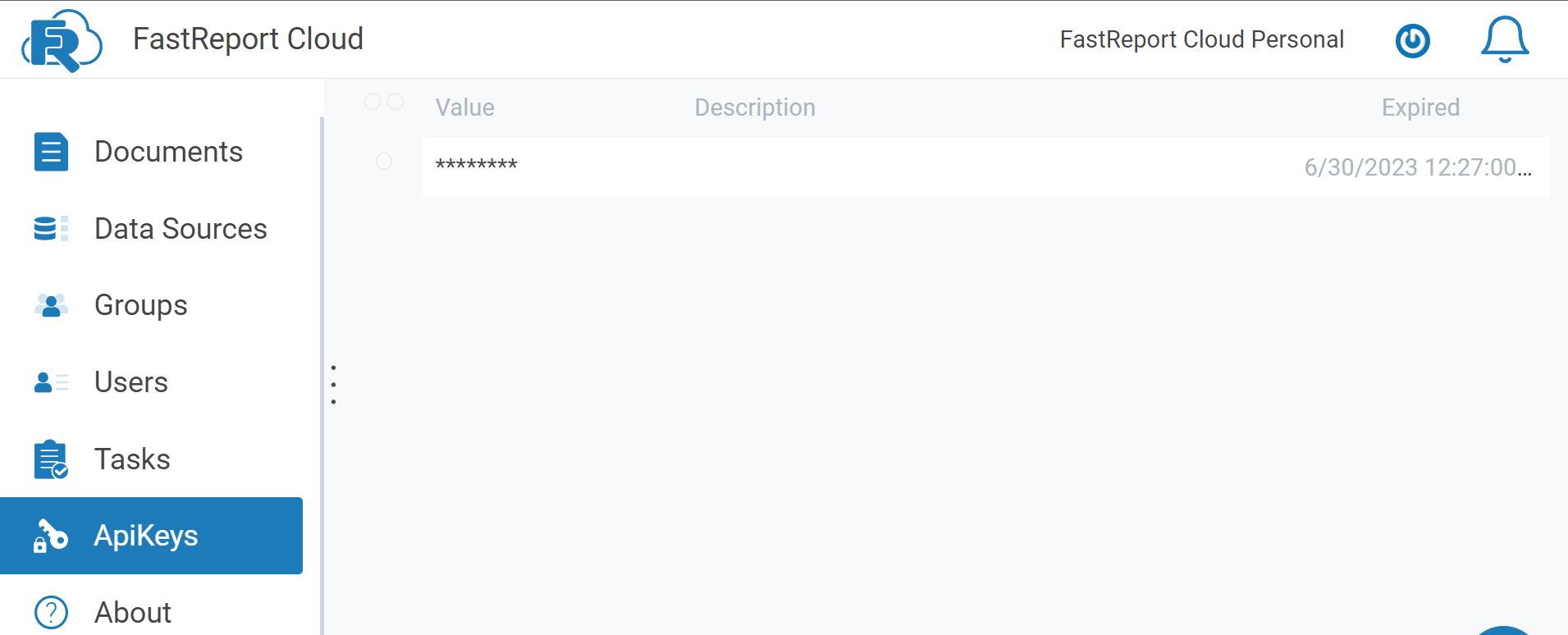
收到 API 密钥后,我们返回应用程序。我们将密钥写入一个单独的变量,如下例所示:
private const string ApiKey = "your API key";
接下来,我们需要创建将在程序中使用的主要对象:
var httpClient = new HttpClient();
httpClient.BaseAddress = new Uri("https://fastreport.cloud");
httpClient.DefaultRequestHeaders.Authorization = new FastReportCloudApiKeyHeader(ApiKey);
var subscriptions = new SubscriptionsClient(httpClient);
var rpClientTemplates = new TemplatesClient(httpClient);
var rpClientExports = new ExportsClient(httpClient);
var downloadClient = new DownloadClient(httpClient);
var subscription = (await subscriptions.GetSubscriptionsAsync(0, 10)).Subscriptions.First();
var templateFolder = subscription.TemplatesFolder.FolderId;
var exportFolder = subscription.ExportsFolder.FolderId;
之后,我们进入为云创建报告的阶段。您可以这样做
TemplateCreateVM templateCreateVM = new TemplateCreateVM()
{
Name = "box.frx",
Content = Convert.FromBase64String(TestData.BoxReport)
//we send the frx file in byte format
};
在上面的示例中,我们已经有了字节格式的报告。如果您有 frx 格式的文件,就可以使用这个示例:
TemplateCreateVM templateCreateVM = new TemplateCreateVM()
{
Name = "box.frx",
Content = File.ReadAllBytes("path to report")
//we send the frx file in byte format to the path
};
我们将 TemplateCreateVM 对象和报告一起上传到我们的 FastReport.Cloud 工作区:
TemplateVM uploadedFile = await rpClientTemplates.UploadFileAsync(templateFolder, templateCreateVM);
现在,我们将报告导出为我们需要的格式。首先,需要确定未来文件的格式和名称。
ExportTemplateVM export = new ExportTemplateVM()
{
FileName = "box",
Format = ExportFormat.Pdf
//format to be exported
};
我们将其导出为 PDF 格式:
ExportVM exportedFile = await rpClientTemplates.ExportAsync(uploadedFile.Id, export) as ExportVM;
string fileId = exportedFile.Id;
int attempts = 3;
exportedFile = rpClientExports.GetFile(fileId);
while (exportedFile.Status != FileStatus.Success && attempts >= 0)
{
await Task.Delay(1000);
exportedFile = rpClientExports.GetFile(fileId);
attempts--;
}
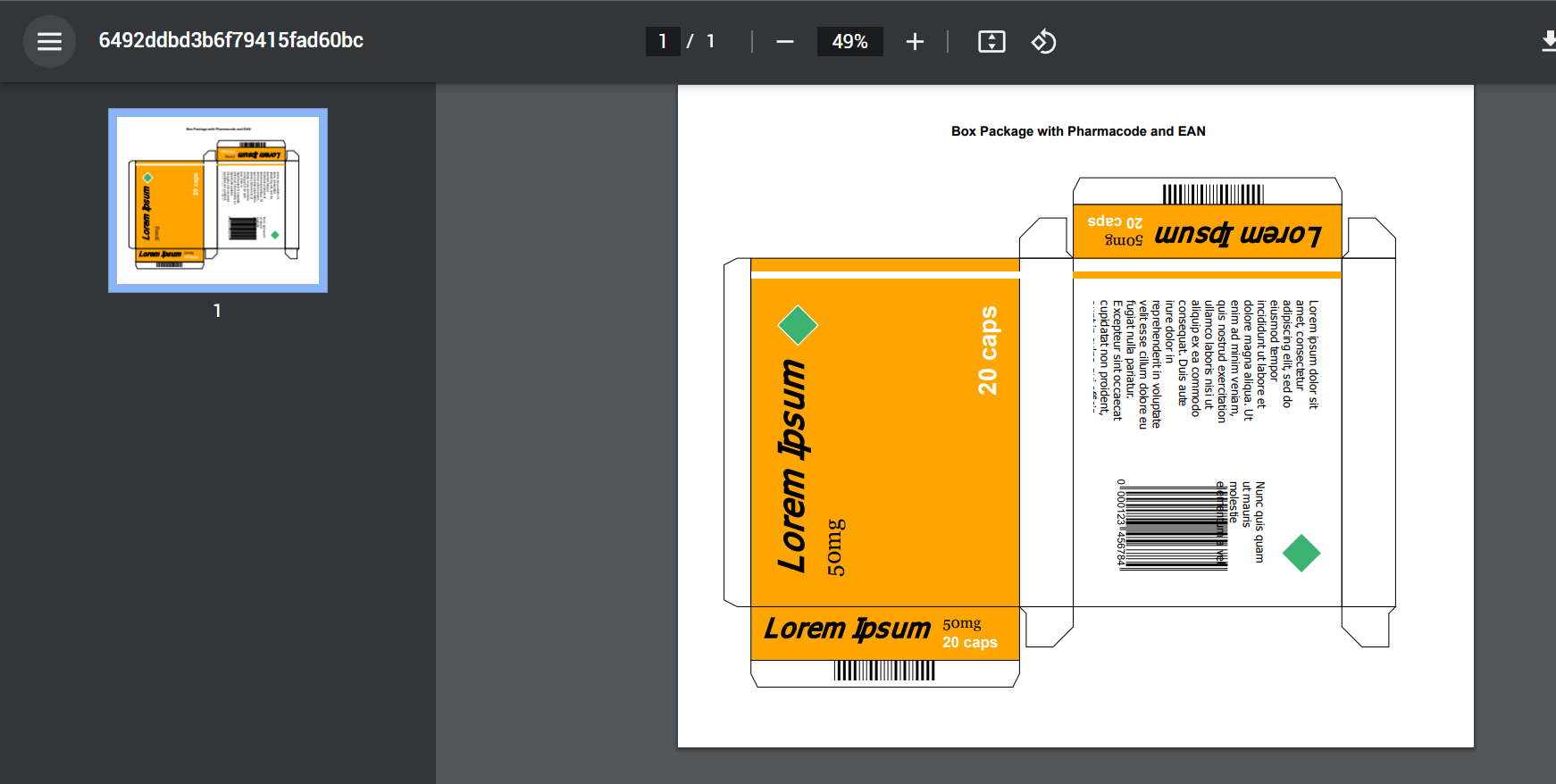
我们完成了报告的主要部分。我们收到了报告的 PDF 文件:
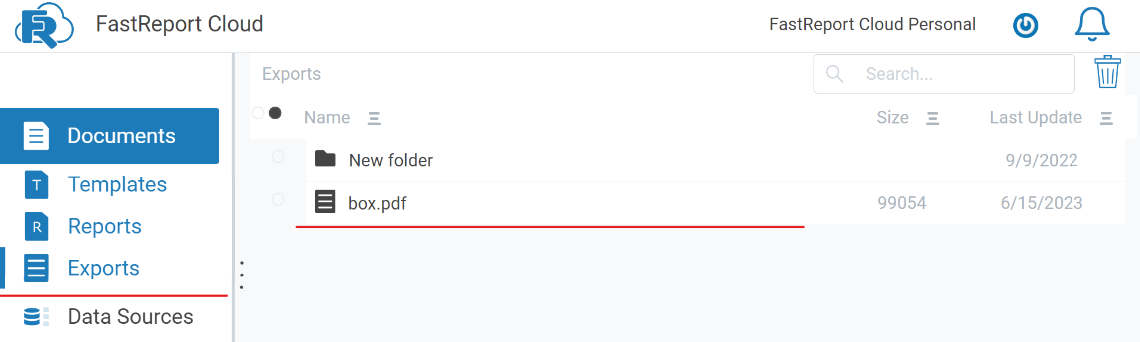
如果要手动下载文件,请进入工作区下载,如下图所示:
您还可以使用此示例下载带有 SDK 的文件:
using (var file = await downloadClient.GetExportAsync(fileId))
{
using (var pdf = File.Open("report.pdf", FileMode.Create))
{
file.Stream.CopyTo(pdf);
}
}
现在您知道如何使用 SDK 在 FastReport Cloud 中创建、导出和下载文件了。


 渝公网安备50010702505508