


Base64 编码是一种二进制到文本的编码方案,能有效地将二进制数据转换为 ASCII 字符,为数据交换提供了一种通用格式。在某些情况下,我们可能需要将 JPG 或 PNG 图像转换为 Base64 字符串数据。在本文中,我们将学习如何用 C# 将图像转换为 Base64。
本文涵盖以下主题:
图像到 Base64 转换器 C# API
将图像转换为 Base64
将 PNG 图像转换为 Base64
在线将图像转换为 Base64
图像到 Base64 转换器 C# API
我们将使用 Aspose.SVG for .NET API 将图像转换为 Base64。它专门用于处理和渲染 SVG 文件。它允许开发人员创建、读取、更新、转换和解析 SVG 文件。
请下载该 API 的 DLL 或使用 NuGet 安装。
PM> Install-Package Aspose.SVG
用 C# 将图像转换为 Base64
通过以下步骤,我们可以用 C# 编程轻松地将图像转换为 Base64:
加载输入的 JPG 图像。
创建 SVGDocument 类的实例。
使用 SVGImageElement 类创建图像元素。
将图像转换为 Base64。
将图像元素添加到 SVG 文档中。
最后,调用 save() 方法保存 SVG 文档。
以下代码示例展示了如何用 C# 将 JPG 图像转换为 Base64。
// Load an input JPG image
var bytes = File.ReadAllBytes(@"C:\Files\Sample_JPG.jpg");
// Initialize an SVGDocument object
var document = new SVGDocument();
// Create an image element
var img = (SVGImageElement)document.CreateElementNS("http://www.w3.org/2000/svg", "image");
// Convert image to Base64
img.Href.BaseVal = "data:image/png;charset=utf-8;base64," + Convert.ToBase64String(bytes);
// Add the image element into the SVG document
document.RootElement.AppendChild(img);
// Save the SVG document
document.Save(@"C:\Files\image-base64.svg");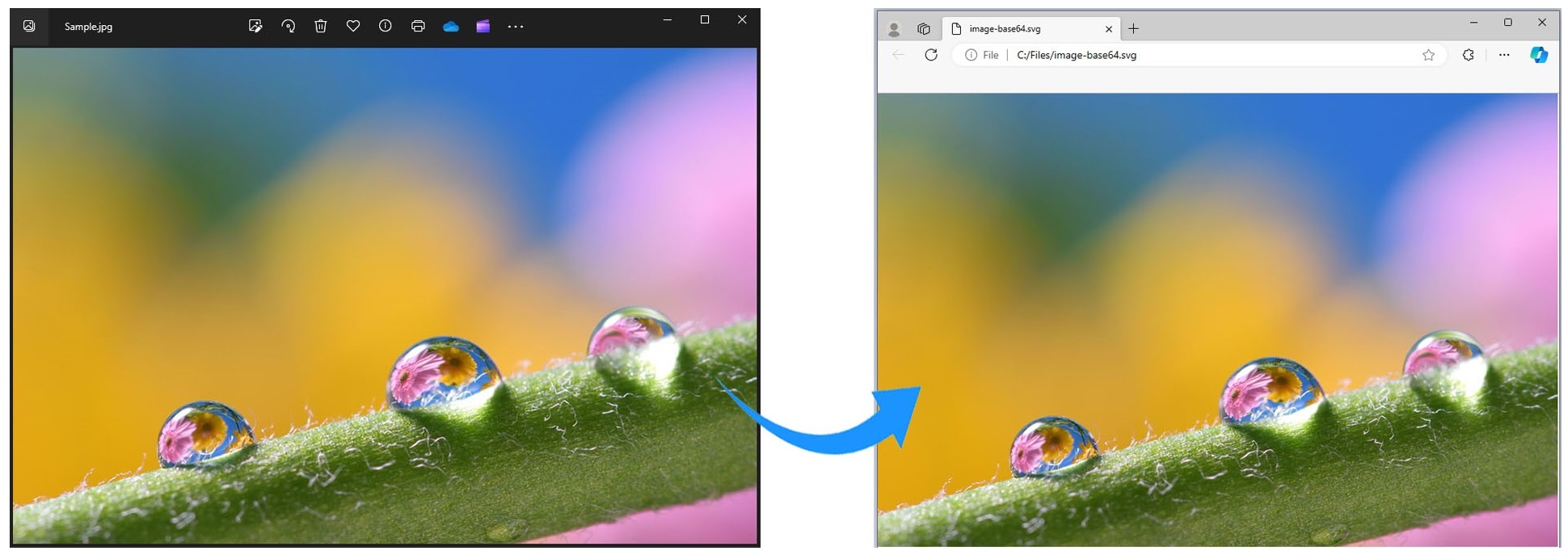
在 C# 中将 JPG 图像转换为 Base64
用 C# 将 PNG 转换为 Base64
同样,我们也可以按照前面提到的步骤将 PNG 图像转换为 Base64。不过,我们只需输入 PNG 图像,如下所示:
// Load an input JPG image
var bytes = File.ReadAllBytes(@"C:\Files\Sample.png");
// Initialize an SVGDocument object
var document = new SVGDocument();
// Create an image element
var img = (SVGImageElement)document.CreateElementNS("http://www.w3.org/2000/svg", "image");
// Convert image to Base64
img.Href.BaseVal = "data:image/png;charset=utf-8;base64," + Convert.ToBase64String(bytes);
// Add the image element into the SVG document
document.RootElement.AppendChild(img);
// Save the SVG document
document.Save(@"C:\Files\image-base64.svg");
获取免费许可证
您可以获得免费的临时许可证,试用 Aspose.SVG 库,不受任何限制地评估其功能。
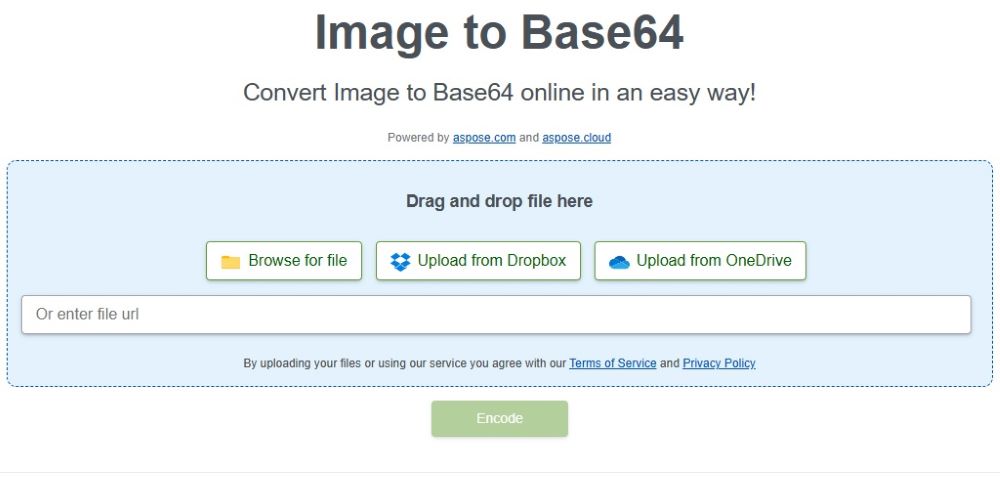
将图像在线转换为 Base64
使用这款免费的图像到 Base64 转换器工具,将图像在线转换为 Base64。你可以从任何设备或浏览器访问它。无需安装任何软件、插件或订阅。
结论
在本文中,我们学习了如何用 C# 将图像转换为 Base64 字符串。按照概述的步骤,您可以轻松地将图像转换功能集成到您的应用程序中。此外,我们还提供了使用 Aspose.SVG 库开发自己的图像转换软件的代码示例。此外,我们还介绍了一个免费的在线图像 Base64 转换器,可用于随时将 PNG 或 JPG 图像转换为 Base64。如有任何疑问,请联系我们。





 渝公网安备50010702505508