


Microsoft Word 提供多种工具,用于生成具有增强格式功能的文本文档。除了文本格式,我们还可以在 Word 文档中加入各种图形元素和图像。在某些情况下,我们可能需要在 DOC 或 DOCX 格式的 Word 文档中插入图片或照片。在本文中,我们将学习如何用 C# 将图片转换为 Word 文档。
本文涵盖以下主题:
C# 图片到 Word 转换器 - 免费下载
将图片转换为 Word 的步骤
用 C# 将图片转换为 Word
在现有 Word 文档中插入图片
将图片在线转换为 Word
C# 图片到 Word 转换器 - 免费下载
我们将使用 Aspose.Words for .NET 将图片转换为 Word 文档。它使开发人员能够在 .NET 应用程序中创建和处理 Word 文档。除了一系列强大的功能外,它还提供了一个内置转换器,可将文档和图片转换为其他格式。
请下载 API 的 DLL 或使用软件包管理器控制台从 NuGet 安装。
PM> Install-Package Aspose.Words
如何将图片转换为 Word
通过以下步骤,我们可以轻松地将任何图片或照片从 JPG 或 PNG 格式转换为 Word 文档:
在应用程序中安装 Aspose.Words for .NET。
创建一个新的 DOCX 文档。
使用图片文件的路径在文档中插入图片。
将文档保存到所需位置。
在 C# 中将图片转换为 Word
现在,让我们来看看如何将上述步骤转化为 C# 代码。以下是用 C# 将图片转换为 DOCX 的步骤。
创建一个 Document 类对象。
创建一个 DocumentBuilder 类对象。
使用 DocumentBuilder.InsertImage(string) 方法按路径将图片插入文档。
使用 Document.Save(string) 方法保存 DOCX 文档。
以下代码示例展示了如何使用 C# 将图片转换为 DOCX。
// This code example demonstrates how to convert a picture to a Word document!
using Aspose.Words;
// create new document
Document doc = new Document();
// create and initialize document builder
DocumentBuilder builder = new DocumentBuilder(doc);
// insert picture to the document
builder.InsertImage("C:\\Files\\tower.jpg");
// save the document
doc.Save("C:\\Files\\Output.docx");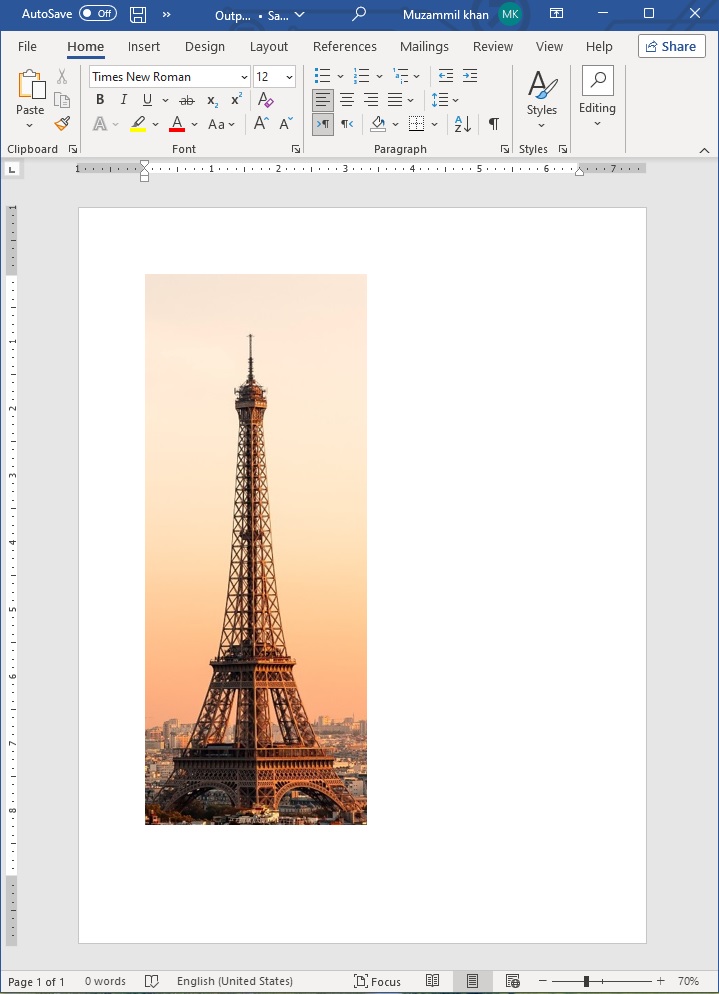
在现有 Word 文档中插入图片
同样,我们也可以按照以下步骤在现有 Word 文档中插入图片:
使用文档类加载现有文档。
创建一个 DocumentBuilder 类对象。
使用 MoveToDocumentEnd() 方法导航到文档末尾。
使用 InsertBreak(BreakType.PageBreak) 方法插入分页符。
使用 DocumentBuilder.InsertImage(string) 方法在文档中插入图片路径。
最后,使用 Document.Save(string) 方法保存 DOCX 文档。
以下代码示例展示了如何使用 C# 在现有 Word 文档中插入图片。
// This code example demonstrates how to insert a picture into a Word document!
using Aspose.Words;
// create new document
Document doc = new Document("C:\\Files\\Document.docx");
// create and initialize document builder
DocumentBuilder builder = new DocumentBuilder(doc);
// move to the end of the document
builder.MoveToDocumentEnd();
// insert a new page
builder.InsertBreak(BreakType.PageBreak);
// insert picture to document
builder.InsertImage("C:\\Files\\tower.jpg");
// save the document
doc.Save("C:\\Files\\Output_1.docx");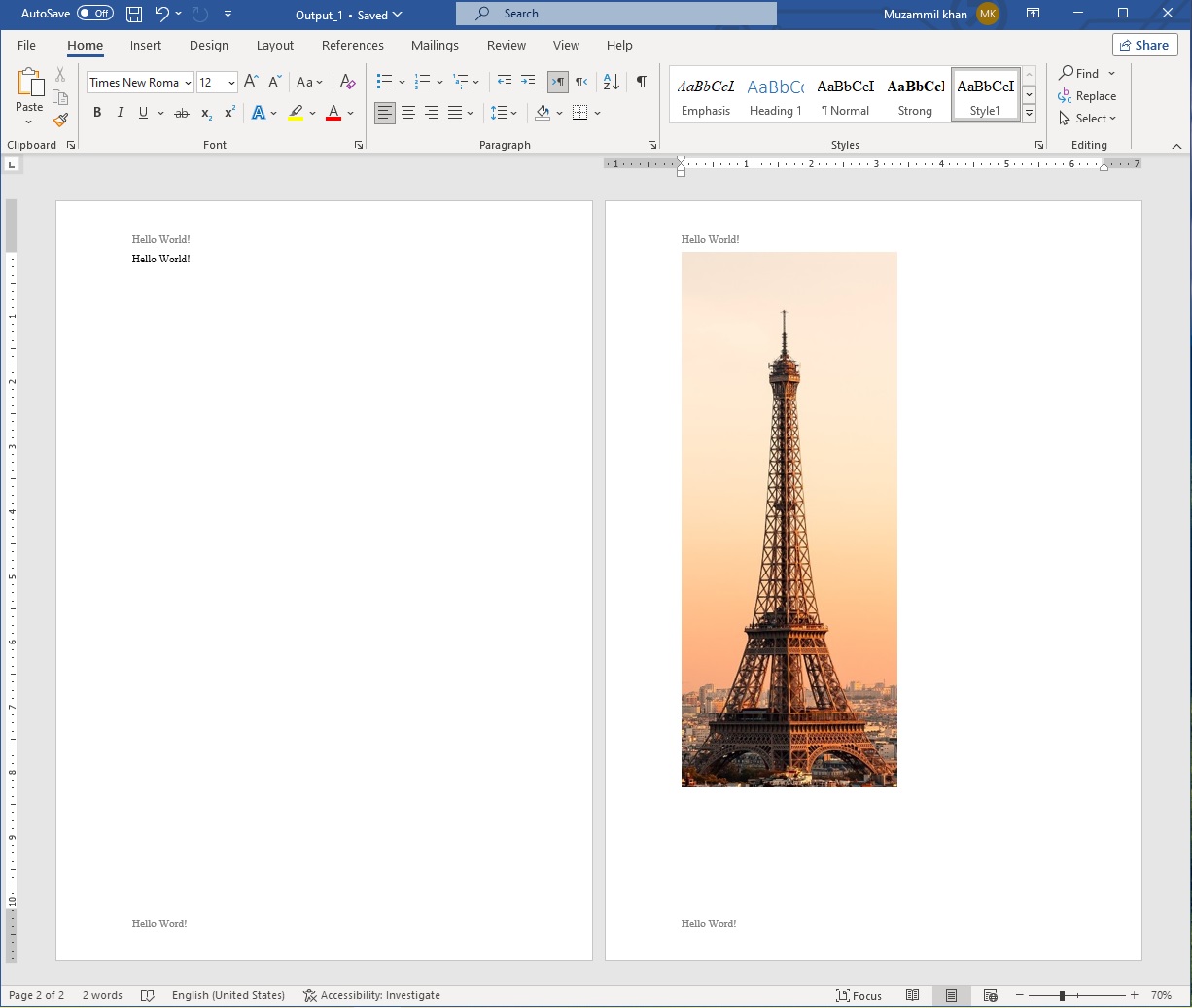
C# Pic to Word 转换器 - 获取免费许可证
使用临时许可证,您可以不受评估限制地使用 Aspose.Words for .NET。
在线将图片转换为 Word
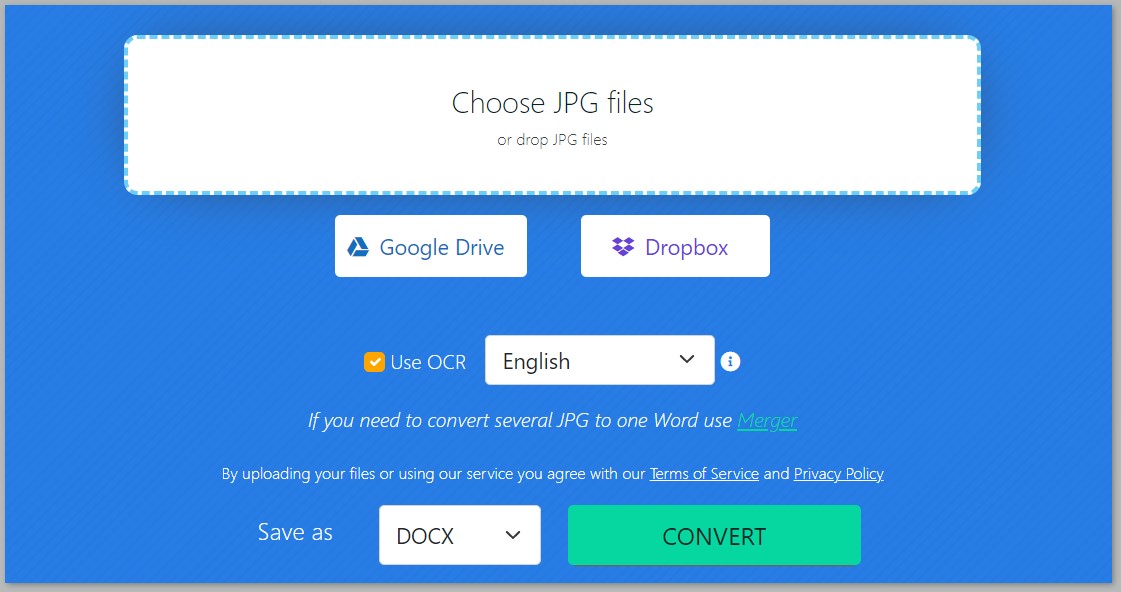
您还可以使用这个免费的图片到 Word 转换器网络应用程序将图片在线转换为 Word 文档,该应用程序是使用此 API 开发的。
结论
在本文中,我们学习了如何用 C# 将图片转换为 Word 文档。利用 Aspose.Words for .NET,您可以简化文档自动化任务。它是一个功能强大、用途广泛的文档处理库,为在各种 .NET 应用程序中生成、修改和渲染 Word 文件提供了强大的解决方案。请随时联系我们。






 渝公网安备50010702505508