


没有安装 MS PowerPoint?那么如何打开重要的 PPT/PPTX 文件呢?没有问题,我们为您提供了一个解决方案,这个解决方案就是 Aspose.Slides。Aspose.Slides 提供在线 PPTX 到 PDF 转换器,可将 PPT 在线转换为 PDF,这样您就可以阅读 PDF 格式的演示文稿。此外,这个 PDF 生成器 API 还提供了广泛的功能,可将 PPTX 自动转换为 PDF。因此,在本文中,我们将介绍构建 PPTX 到 PDF 转换器的整个实现过程。为此,我们将通过 Java 选择 Aspose.Slides for Node.js,学习如何在 Node.js 中将 PowerPoint 转换为 PDF。
本文将介绍以下几点:
PowerPoint JavaScript API 安装
在 Node.js 中以编程方式将 PowerPoint 转换为 PDF
将 PPT 在线转换为 PDF
PowerPoint JavaScript API 安装
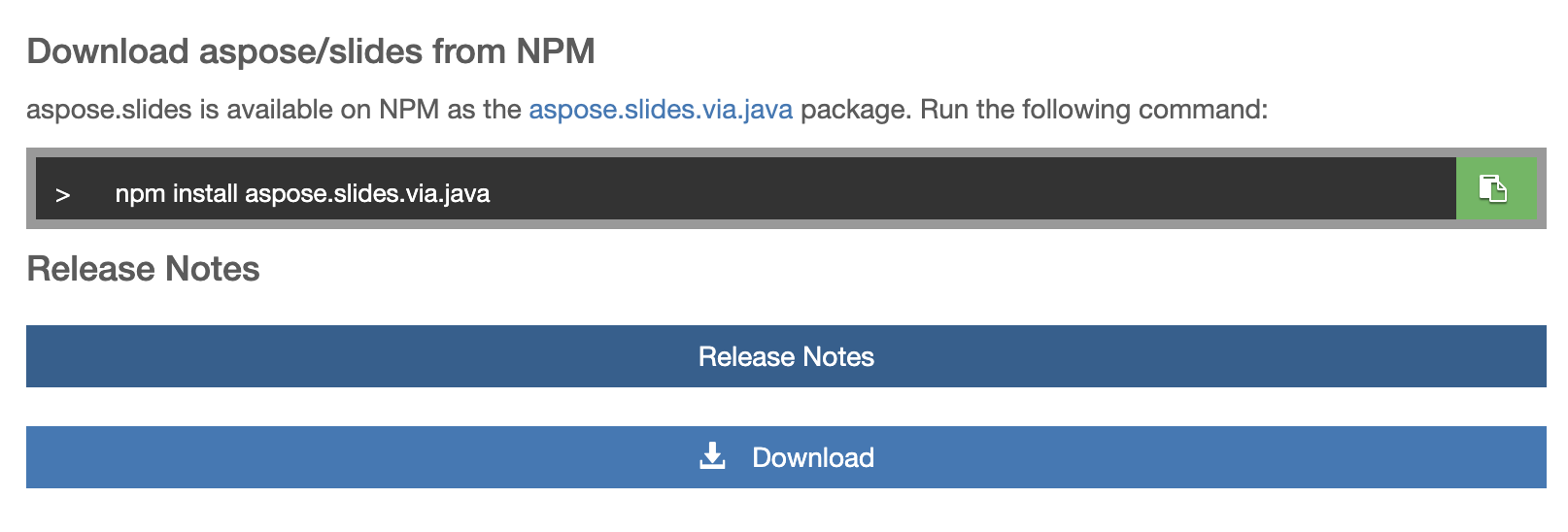
安装部分将向您介绍如何安装此 PDF 生成器 API。事实上,安装这个库非常简单快捷,它能让您以编程方式在 JavaScript 中生成 PDF。因此,安装只需在终端/CMD 中运行一条命令即可。不过,如果你想直接下载,也可以从 NPM 下载软件包。因此,只需运行以下命令,即可进入实施阶段:
npm install aspose.slides.via.java
在 Node.js 中以编程方式将 PowerPoint 转换为 PDF
现在,我们将编写一个代码示例,并通过 Java 使用 Aspose.Slides for Node.js 公开的类和方法。
注:我们有一个 PPTX 源文件,我们将使用该 PowerPoint JavaScript API 将 PPTX 转换为 PDF。
以下步骤展示了如何以编程方式开发 PowerPoint 到 PDF 的转换器:
在 Node.js 项目中获取 aspose.slides.via.java 模块。
使用源 PPTX 文件实例化一个 Presentation 类对象。
创建一个 PdfOptions 类实例,以控制如何将演示文稿保存为 PDF 格式。
调用 setApplyImageTransparent 方法指定图像的透明色。
setSufficientResolution 方法将设置幻灯片在页面上的放置模式。
调用 setTextCompression 方法可定义应用于 PDF 文件中除图像外所有内容的压缩类型。
调用 save 方法将演示文稿保存为 PDF 文件。
以下代码片段演示了如何使用此 PDF 生成器 API 将 PPTX 转换为 PDF:
var aspose = aspose || {};
// Get the aspose.slides.via.java module into your Node.js project.
aspose.slides = require("aspose.slides.via.java");
// Instantiate an object of the  Presentation class with the source PPTX file.
var pres = new aspose.slides.Presentation("first_ppt.pptx");
// Create an instance of the PdfOptions class to control how a presentation is saved in Pdf format.
var PdfOptions = new aspose.slides.PdfOptions();
// Invoke the setApplyImageTransparent method to specify transparent color to an image.
PdfOptions.setApplyImageTransparent(true);
// The setSufficientResolution method will set the mode in which slides are placed on the page.
PdfOptions.setSufficientResolution(32);
// Call the setTextCompression method to define the type of a compression applied to all content in the PDF file except images.
PdfOptions.setTextCompression(aspose.slides.PdfTextCompression.Flate);
try
{
    // Save the presentation as PDF by calling the save method.
    pres.save("PPT-to-PDF.pdf", aspose.slides.SaveFormat.Pdf,PdfOptions);
console.log("PowerPoint to PDF conversion completed successfully.")
}
finally
{
    if (pres != null) pres.dispose();
}
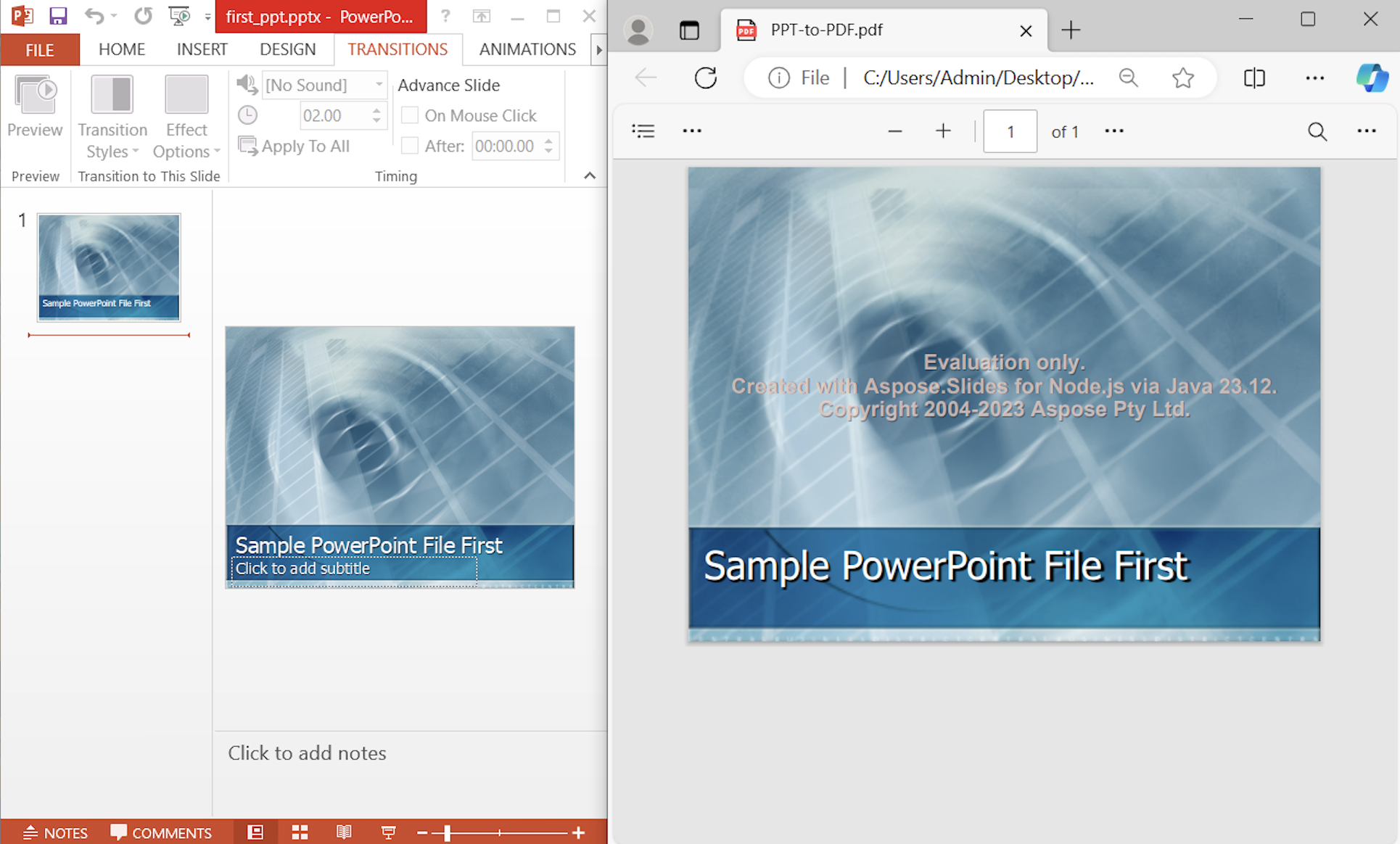
因此,我们可以通过编程将 PPTX 自动转换为 PDF。上述代码示例将生成 PDF,如下图所示:
在线将 PPT 转换为 PDF
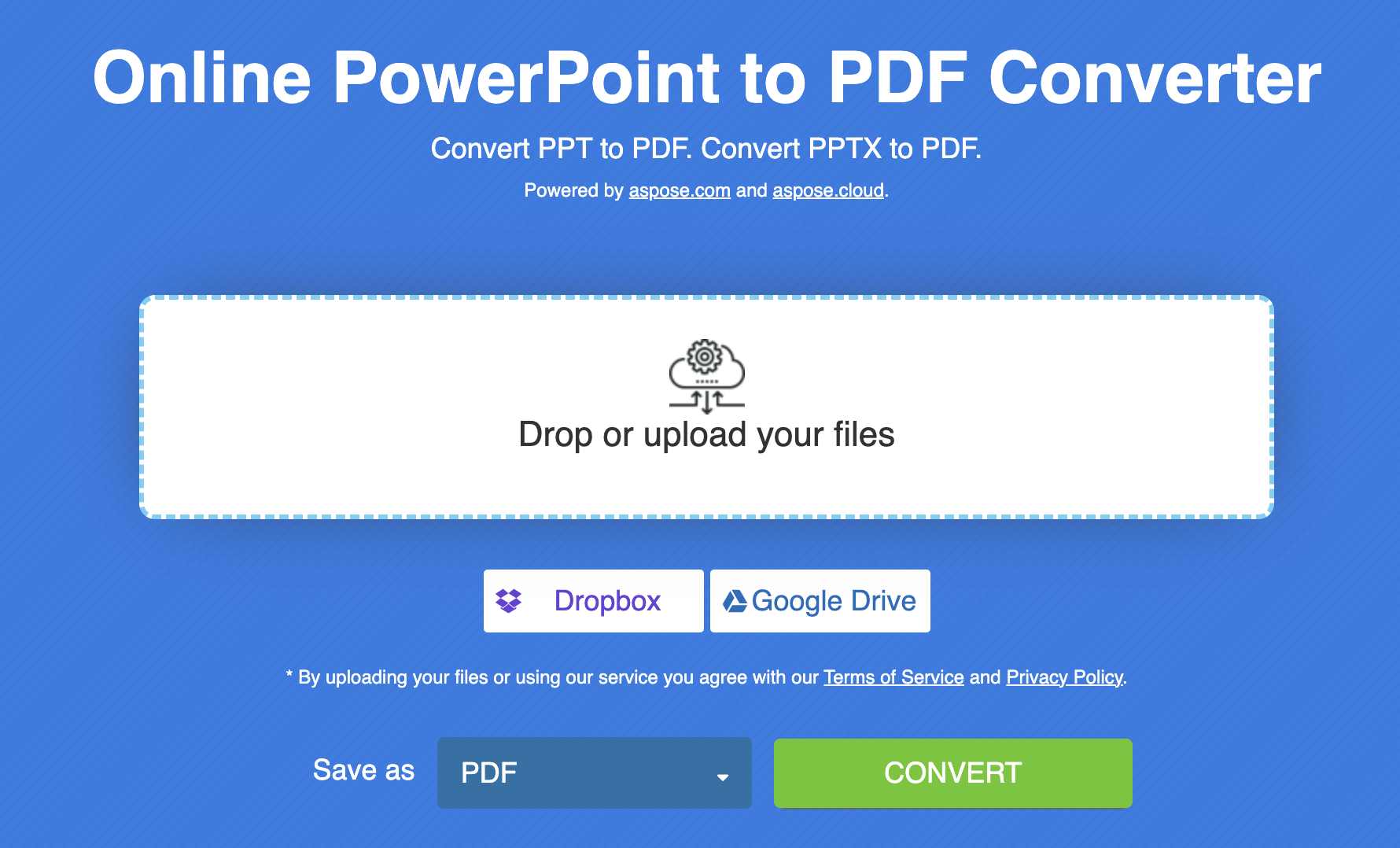
此外,您还可以利用由 Aspose.Slides 提供的在线工具。这款 PPTX 到 PDF 的转换器可让用户使用任何网络浏览器将 PPT 在线转换为 PDF。这是一款免费工具,由于自带用户友好型用户界面,您可以轻松执行文件格式转换。我们强烈推荐您使用这款深受社区喜爱的工具。
PowerPoint 处理器 - 获取免费许可证
您可以利用免费的临时许可证试用此 PowerPoint JavaScript API,不受评估限制。
结束语
本文到此结束。我们已经学会了如何在 Node.js 中将 PowerPoint 转换为 PDF。此外,我们还通过编程实现了 PPTX 到 PDF 的转换。我们不会就此画上句号,我们会再写一篇以解决方案为导向的文章。同时,您可以访问文档和 API 参考资料,了解有关 PowerPoint Javascript API 的更多信息。
常见问题 - FAQ
如何在 Node.js 中将 PPT 转换为 PDF?
通过 Java 安装 Aspose.Slides for Node.js,并以编程方式在 Node.js 中将 PPT 转换为 PDF。
如何将 PowerPoint 转换为 PDF?
请详细阅读本文,通过代码片段获得详细答案。
如何在 Node.js 中生成 PDF?
您可以使用此在线 PPTX 到 PDF 转换器将 PPT 在线转换为 PDF。






 渝公网安备50010702505508