


Java 程序员朋友们,你们好!这又是一篇令人兴奋的教程,介绍如何以编程方式在 LaTeX 中编写数学公式。我们将安装 Aspose.TeX for Java 并实现以编程方式编写 LaTeX 数学表达式并将其保存为 PNG 图像格式的功能。这个 LaTeX 转图像 API 提供了 LaTeX 渲染选项以及转换为其他流行文件格式的功能。此外,它还能自动完成整个过程,顺利呈现 LaTeX 数学公式。那么,让我们开始看看用 Java 将 LaTeX/TeX 中的数学渲染为 PNG 的实现吧。
本文将讨论以下几点:
安装 LaTeX 图像 API
用 Java 将 LaTeX 数学表达式渲染为 PNG
LaTex 数学公式生成器 - 在线应用程序
LaTeX 到图像 API 安装
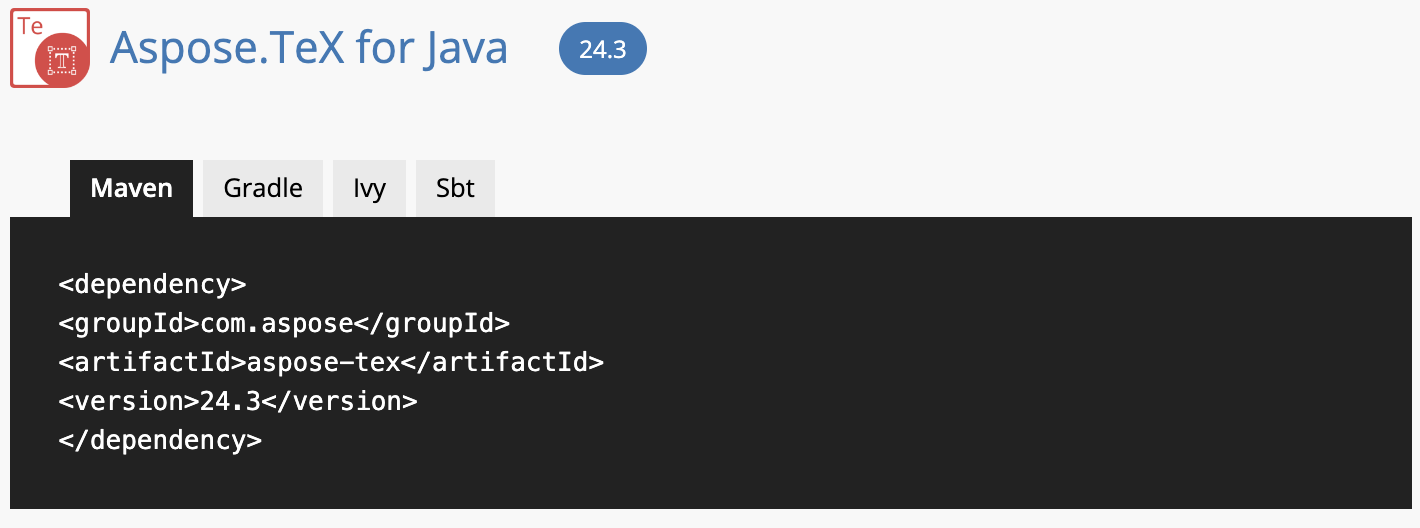
Aspose.TeX for Java 提供了使用 LaTeX 创建数学公式、将不同内容转化为光栅图像等的类和方法。不过,这个企业级库的安装过程非常简单。因此,请下载此 JAR 文件或使用以下 Maven 配置将此 LaTex 转图像 API 安装到本地环境中:
 <repositories>
     <repository>
         <id>AsposeJavaAPI</id>
         <name>Aspose Java API</name>
         <url>https://releases.aspose.com/java/repo/</url>
     </repository>
</repositories>
 <dependencies>
    <dependency>
        <groupId>com.aspose<https://releases.aspose.com/tex/java//groupId>
        <artifactId>aspose-tex</artifactId>
        <version>22.6</version>
    </dependency>
</dependencies>
请访问本安装指南,了解完整的详细信息。
用 Java 将 LaTeX 数学表达式渲染为 PNG 图像
现在,我们将用 Java 编写一个代码片段,并使用其中的类和方法以编程方式将 LaTeX 数学表达式渲染为 PNG 图像。
您可以按照以下步骤在 Java 中编写 LaTeX 数学公式:
创建 MathRendererOptions 类的实例,并指定 PngMathRendererOptions 类的对象。
调用 setPreamble 方法指定前言。
调用 setTextColor 方法指定前景色。
调用 setScale 方法定义缩放因子 300%。
调用 setBackgroundColor 方法设置背景颜色。
setLogStream 方法用于定义日志文件的输出流。
调用 showTerminal 方法指定是否在控制台上显示终端输出。
实例化一个 Size2D.Float 类的实例,并在其中写入生成图像的尺寸。
通过初始化 FileOutputStream 类对象,为公式图像创建输出流。
调用 render 方法启动渲染。
以下代码示例演示了如何以编程方式编写 LaTeX 数学表达式:
package com.example;
import java.awt.Color;
import java.io.ByteArrayOutputStream;
import java.io.FileOutputStream;
import java.io.IOException;
import java.io.OutputStream;
import com.aspose.tex.MathRendererOptions;
import com.aspose.tex.PngMathRenderer;
import com.aspose.tex.PngMathRendererOptions;
import com.aspose.tex.Size2D;
public class Main {
// Latex Mathematical Expressions using Latex to Image API
public static void main(String[] args) throws IOException {
// Create an instance of the MathRendererOptions class and assign an object of the PngMathRendererOptions class.
MathRendererOptions options = new PngMathRendererOptions();
// Specify the preamble by calling the setPreamble method.
options.setPreamble("\\usepackage{amsmath}\r\n"
+ "\\usepackage{amsfonts}\r\n"
+ "\\usepackage{amssymb}\r\n"
+ "\\usepackage{color}");
// Specify the foreground color by invoking the setTextColor method.
options.setTextColor(Color.BLACK);
// Call the setScale method to define the scaling factor 300%.
options.setScale(3000);
// Invoke the setBackgroundColor method to set the background color.
options.setBackgroundColor(Color.YELLOW);
// The setLogStream method will used to define the output stream for the log file.
options.setLogStream(new ByteArrayOutputStream());
// Call the showTerminal method to specify whether to show the terminal output on the console or not.
options.showTerminal(true);
// Instantiate an instance of the Size2D.Float class in which the dimensions of the resulting image will be written.
Size2D size = new Size2D.Float();
// Create the output stream for the formula image by initializing an object of the FileOutputStream class.
final OutputStream stream = new FileOutputStream("/math-formula.png");
try {
// Call the render method to fire up the rendering.
new PngMathRenderer().render("\\begin{equation*}\r\n" +
"e^x = x^{\\color{red}0} + x^{\\color{red}1} "
+ "\\frac{x^{\\color{red}2}}{2} "
+ "\\frac{x^{\\color{red}3}}{6} "
+ "\\cdots = \\sum_{n\\geq 0} "
+ "\\frac{x^{\\color{red}n}}{n!}\r\n"
+ "\\end{equation*}", stream, options, size);
} finally {
  if (stream != null)
stream.close();
}
}
}
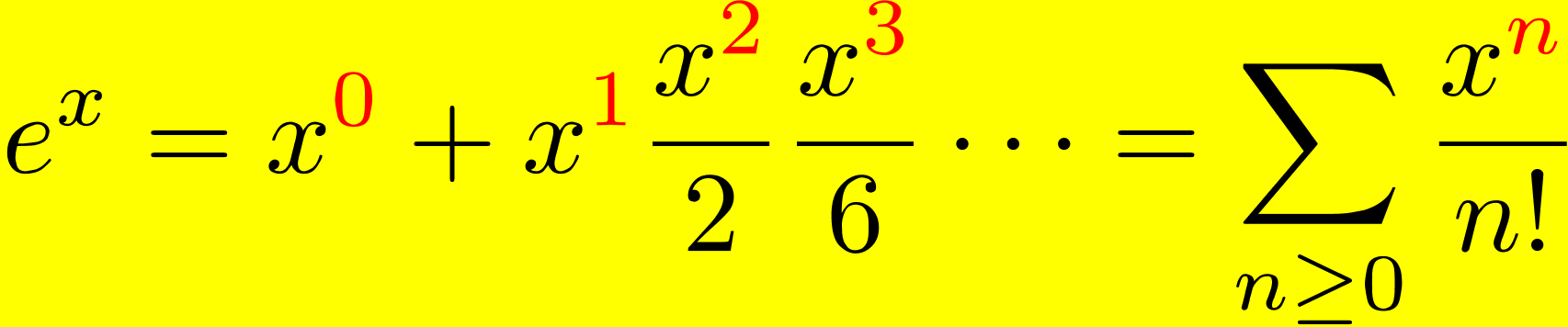
您可以在下图中看到输出结果:
LaTeX 数学公式生成器 - 在线应用程序
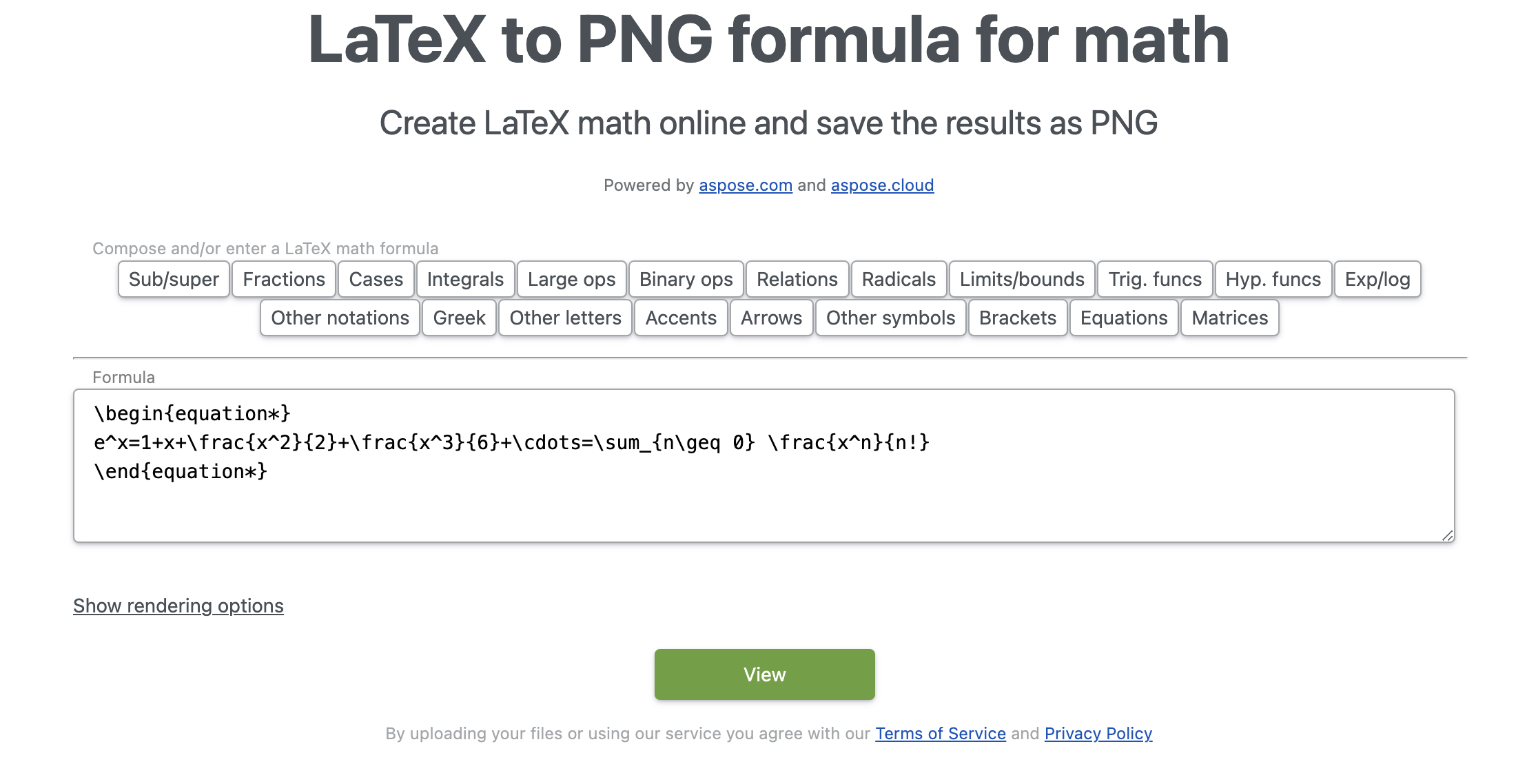
除了将 LaTeX 转换为图像的 API 之外,还有一个 LaTeX 数学公式生成器工具,可在线创建 LaTeX 数学公式。该工具也由 Aspose.TeX 提供支持,具有大量功能。它使用起来超级简单,无需安装,因为它是基于网络的,你可以在任何网络浏览器中打开它。此外,用户界面上还有各种选项,您可以用来创建 LaTeX 数学公式。
LaTeX 中的数学 - 获取免费许可证
您可以获得免费的临时许可证,试用 LaTeX 图像应用程序接口,不受评估限制。
结论
本文到此结束。我们已经介绍了如何编写 LaTeX 数学表达式并将其保存为 PNG 文件格式。此外,我们还介绍了如何使用此 LaTeX 转图像 API 在 LaTeX 中编写数学公式。此外,您还可以访问文档、API 参考资料和 GitHub repo 了解其他功能。本入门指南是您开始开发的起点。






 渝公网安备50010702505508