


如果没有安装 AutoCAD 软件,使用 AutoCAD 文件格式就会很麻烦。大多数操作系统都不支持 DWG、DXF 等文件格式。不过,您可以通过将 AutoCAD 文件格式转换为常用图像文件格式来解决这个问题。因此,Aspose.CAD for Java 提供了可通过编程实现 DWG 到 JPG 转换的类和方法。该 AutoCAD 库是一个本地 API,具有强大而高效的转换功能。在本文中,我们将以编程方式实现在 Java 中将 DWG 转换为 JPG 的功能。
本文将讨论以下部分:
安装 AutoCAD 库
在 Java 中以编程方式将 DWG 转换为 JPG
在线 DWG 到 JPG 转换器
AutoCAD 库安装
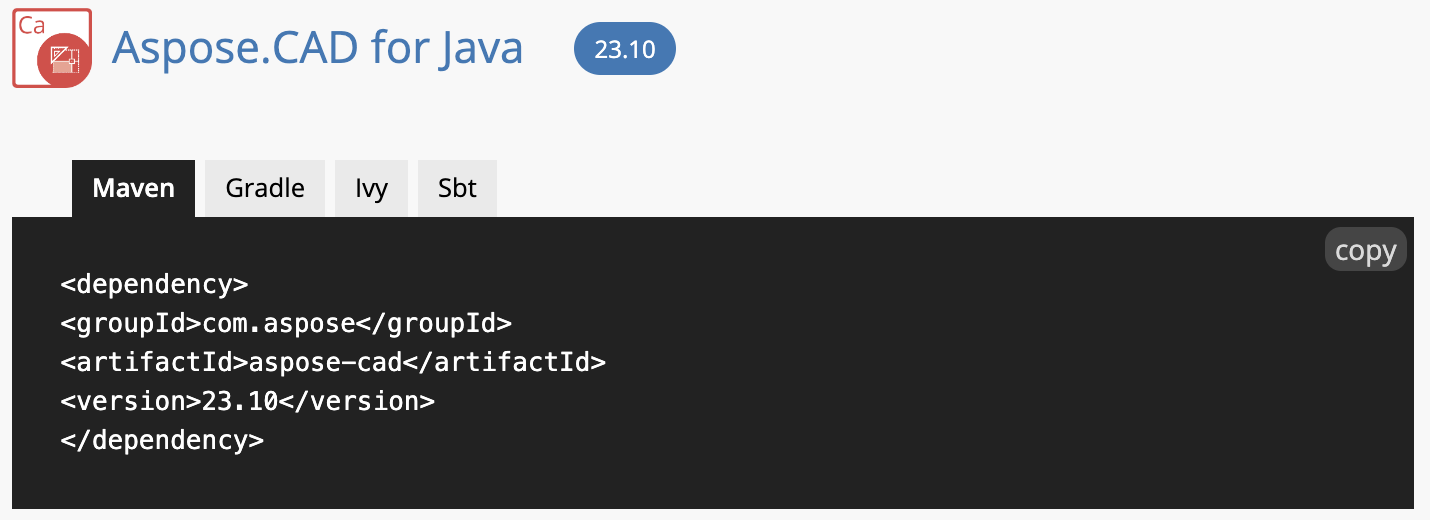
此 Java API 的安装过程非常简单。它不会要求您安装任何其他第三方依赖项,而是一个超级简单的过程。因此,如果您发现任何问题,都可以按照本安装指南进行安装。您可以下载 JAR 文件或使用以下 Maven 配置:
 <repositories>
     <repository>
         <id>AsposeJavaAPI</id>
         <name>Aspose Java API</name>
         <url>https://releases.aspose.com/java/repo/</url>
     </repository>
</repositories>
 <dependencies>
    <dependency>
        <groupId>com.aspose</groupId>
        <artifactId>aspose-cad</artifactId>
        <version>23.8</version>
    </dependency>
</dependencies>
Aspose.CAD for Java 提供了丰富的转换和操作功能,还提供了为 CAD 文件添加水印的方法。此外,您还可以在这里找到该 AutoCAD 库的多种编程语言封装器。
用 Java 程序将 DWG 转换为 JPG
现在,我们将编写一个代码示例来实现 DWG 到 JPG 的转换。总之,只需编写几行代码,你就能开发出 DWG 到 JPG 的转换器。
您可以按照下面提到的步骤进行:
定义工作目录路径。
调用 Image 类的 Load 方法加载源 DWG 文件。
为生成的图像创建一个 JpegOptions 对象,并将其分配给 ImageOptionsBase 类的实例。
实例化 CadRasterizationOptions 以启用 CAD 光栅化选项。
setEmbedBackground 方法将设置背景颜色是否不等于输出格式的默认背景颜色。
调用 setPageWidth 方法设置页面宽度。
调用 setPageHeight 方法可设置页面高度。
调用 setVectorRasterizationOptions 方法定义光栅化选项。
save 方法将把生成的 JPG 图像保存到磁盘上。
以下代码示例展示了如何在 Java 中以编程方式将 DWG 转换为 JPG:
package com.example;
import com.aspose.cad.Image;
import com.aspose.cad.ImageOptionsBase;
import com.aspose.cad.imageoptions.CadRasterizationOptions;
import com.aspose.cad.imageoptions.JpegOptions;
public class Main {
// Convert DWG to JPG in Java using AutoCAD Library
    public static void main(String[] args) throws Exception {
// Define the working directory path.
String dataDir =  "/sample-files/";
// Call the Load method of the Image class to load the source DWG file.
Image sourceImage = Image.load(dataDir+"sample.dwg");
// Create an object of the JpegOptions for the resultant image and assign it to the instance of the ImageOptionsBase class.
ImageOptionsBase jpegOptions = new JpegOptions();
// Instantiate an instance of the CadRasterizationOptions to enable CAD rasterization options.
CadRasterizationOptions rasterOptions = new CadRasterizationOptions();
// The setEmbedBackground method will set whether the background color is not equal to the default background color of the output format.
rasterOptions.setEmbedBackground(true);
// Invoke the setPageWidth method to set page width.
rasterOptions.setPageWidth(900);
// Call the setPageHeight method to set the height of the page.
rasterOptions.setPageHeight(900);
// Invoke the setVectorRasterizationOptions method to define rasterization options.
jpegOptions.setVectorRasterizationOptions(rasterOptions);
// The save method will save the resultant JPG image on the disk.
sourceImage.save(dataDir + "dwg-to-jpg.jpg", jpegOptions);
    }
}
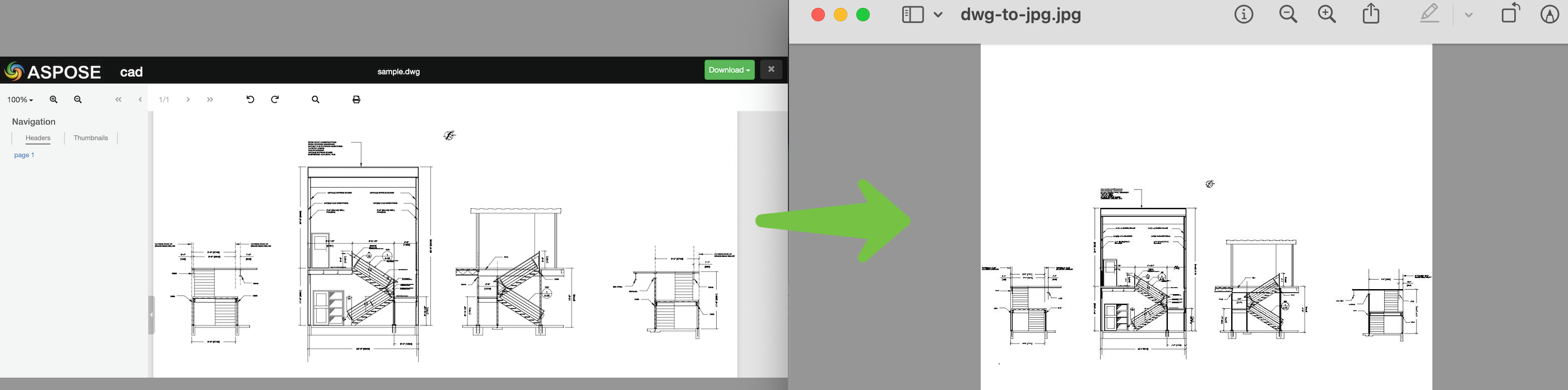
上述代码段的输出结果如下图所示:
在线 DWG 到 JPG 转换器
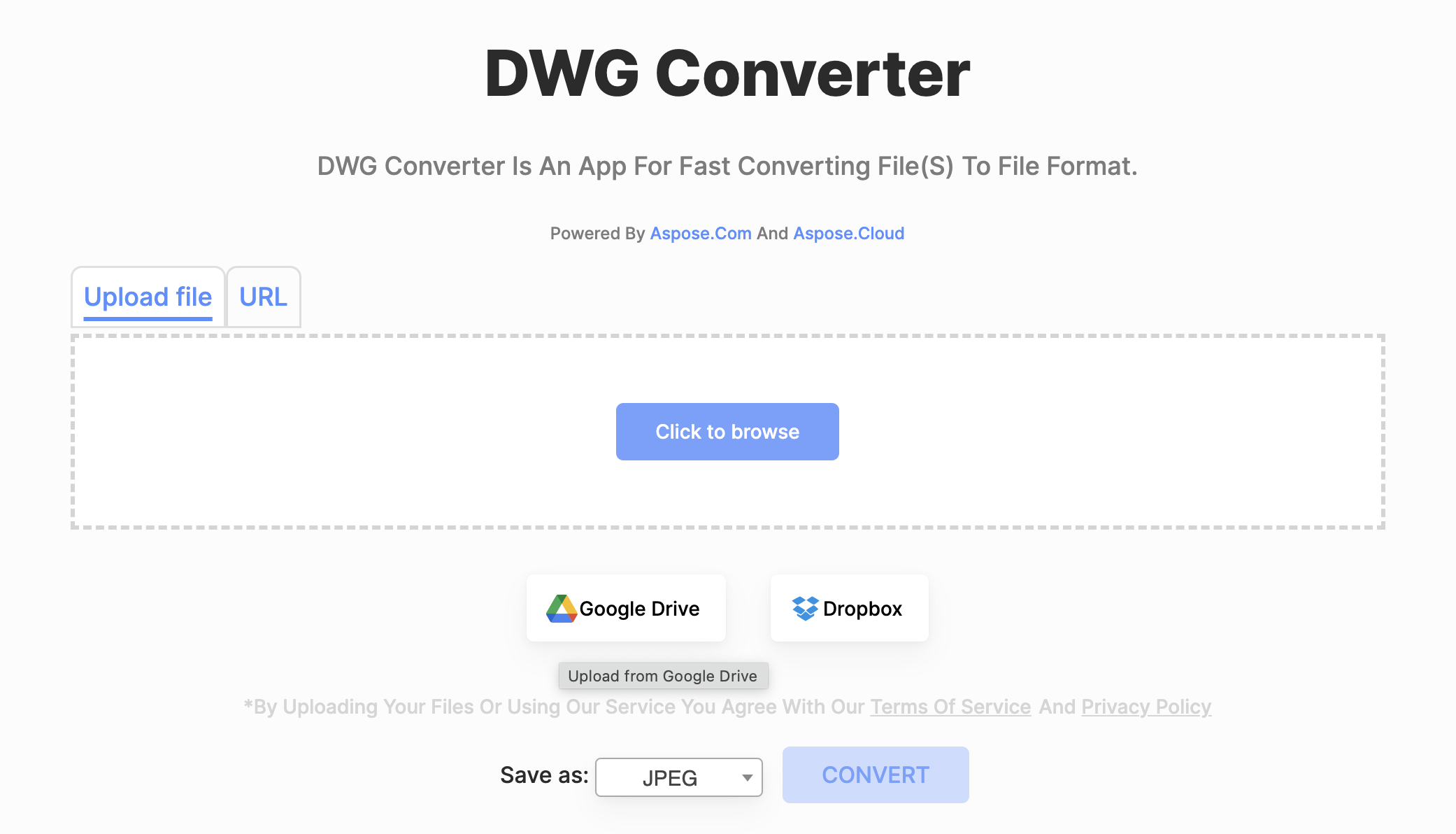
此在线 DWG 到 JPG 转换器由 Aspose.CAD 提供。它提供丰富的无缝转换功能,并可在 24 小时内保留您的文件。此外,它是免费的,无需订阅或创建账户。它有一个合理而简单的界面,你可以拖放文件。该工具是由 Aspose 顶级工程师设计的强大高效服务器的前端。
DWG 至 JPG 转换 - 获取免费许可证
现在,你可以获得免费的临时许可证,在没有评估限制的情况下试用 AutoCAD 库。
结论
总而言之,我们已经了解了企业级 AutoCAD 库,并在 Java 中实现了将 DWG 转换为 JPG 的功能。我们还简要介绍了在线 DWG 到 JPG 转换器,这是一种基于网络的实现 DWG 到 JPG 转换的解决方案。此外,您还可以根据文档和 API 参考资料详细了解 Aspose.CAD for Java。





 渝公网安备50010702505508