


当您有大量敏感数据流入,并想知道如何使其免受黑客和其他安全威胁时,数据安全就变得非常重要。在被称为 ZIP 文件的压缩存档中可能有多个文件。要对 ZIP 文件进行密码保护,您需要能自动完成整个过程并省时省力的软件。幸运的是,Java ZIP API 提供的类和方法可以稳健地创建受密码保护的 ZIP。此外,您还可以使用 Aspose.ZIP for Java 从 ZIP 文件中移除密码。因此,让我们来看看如何自动实现这两项功能。
我们将在本指南中介绍以下几点:
安装 Java ZIP API
创建受密码保护的 ZIP 文件 - 代码示例
在线密码保护 ZIP 文件
从 ZIP 文件中移除密码 - 代码示例
ZIP 密码去除工具 - 在线工具
Java ZIP API 安装
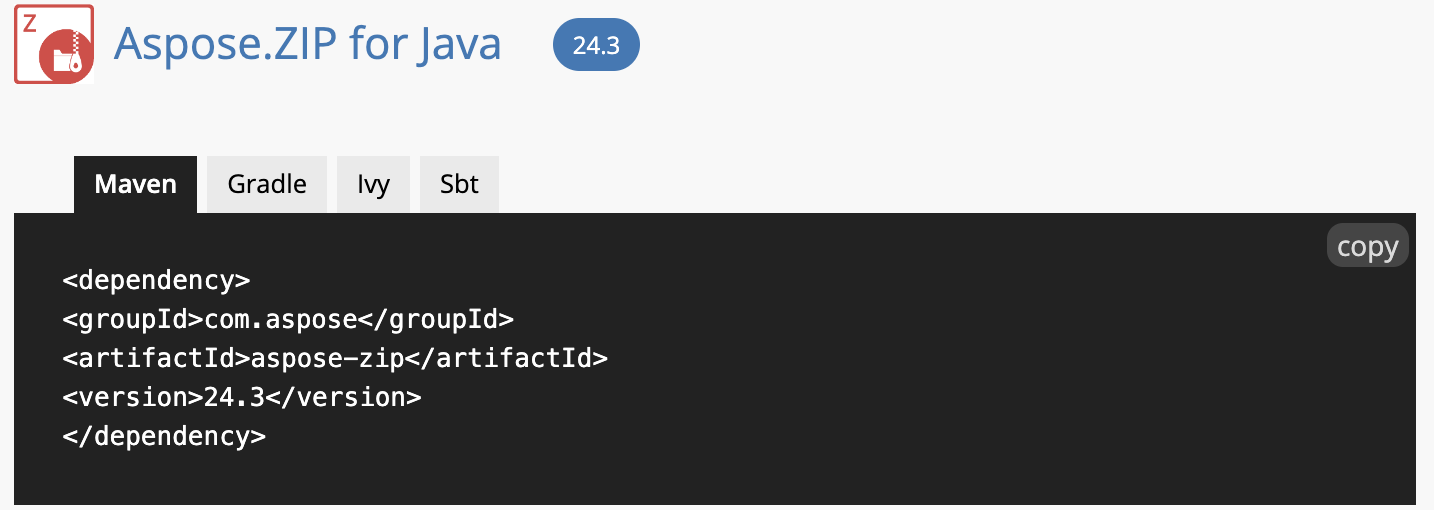
安装过程最简单,因为不需要依赖第三方。如果您采用快速应用程序开发模式,Aspose.ZIP for Java 将是您的最佳选择。即使您遇到任何困难,也可以访问本安装指南。不过,您也可以下载此 JAR 文件或使用以下 Maven 配置在本地系统中安装此 Java ZIP API:
 <repositories>
     <repository>
         <id>snapshots</id>
         <name>repo</name>
         <url>http://repository.aspose.com/repo/</url>
     </repository>
</repositories>
 <dependencies>
    <dependency>
        <groupId>com.aspose</groupId>
        <artifactId>aspose-zip</artifactId>
        <version>23.12</version>
    </dependency>
</dependencies>
创建受密码保护的 ZIP 文件 - 代码示例
本节演示如何使用 Java ZIP API 对 ZIP 文件进行密码保护:
具体步骤如下:
使用密码初始化一个 TraditionalEncryptionSettings 类的新实例。
创建 ArchiveEntrySettings 类对象。
用 ArchiveEntrySettings 类对象实例化 Archive 类对象。
调用 createEntry 方法在存档中创建一个条目。
保存方法将在磁盘上保存受密码保护的 ZIP 文件。
以下代码片段展示了如何用 Java 编程创建受密码保护的 ZIP 文件:
package com.example;
import com.aspose.zip.Archive;
import com.aspose.zip.ArchiveEntrySettings;
import com.aspose.zip.TraditionalEncryptionSettings;
public class Main {
// Create a Password Protected ZIP
public static void main(String[] args) {
// Define the working directory path.
String dir = "/Desktop/";
// Initializes a new instance of the TraditionalEncryptionSettings class with a password.
TraditionalEncryptionSettings traditionalEncryptionSettings = new TraditionalEncryptionSettings("qwerty");
// Create an object of the ArchiveEntrySettings class.
ArchiveEntrySettings archiveEntrySettings = new ArchiveEntrySettings(null,traditionalEncryptionSettings);
// Instantiate an object of the Archive class with the object of the ArchiveEntrySettings class.
try (Archive archive = new Archive(archiveEntrySettings)) {
// Invoke the createEntry method to create single entry within the archive.
archive.createEntry("data.png", dir+"data.png");
archive.createEntry("sample.txt", dir+"sample.txt");
// The save method will save the password protected ZIP file on the disk.
archive.save(dir+"protected_archive.zip");
        }
  }
}
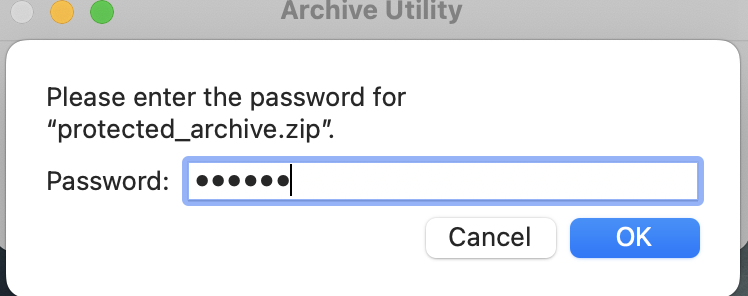
这就是为 ZIP 文件添加密码的方法。您可以在下图中看到输出结果:
在线密码保护 ZIP 文件
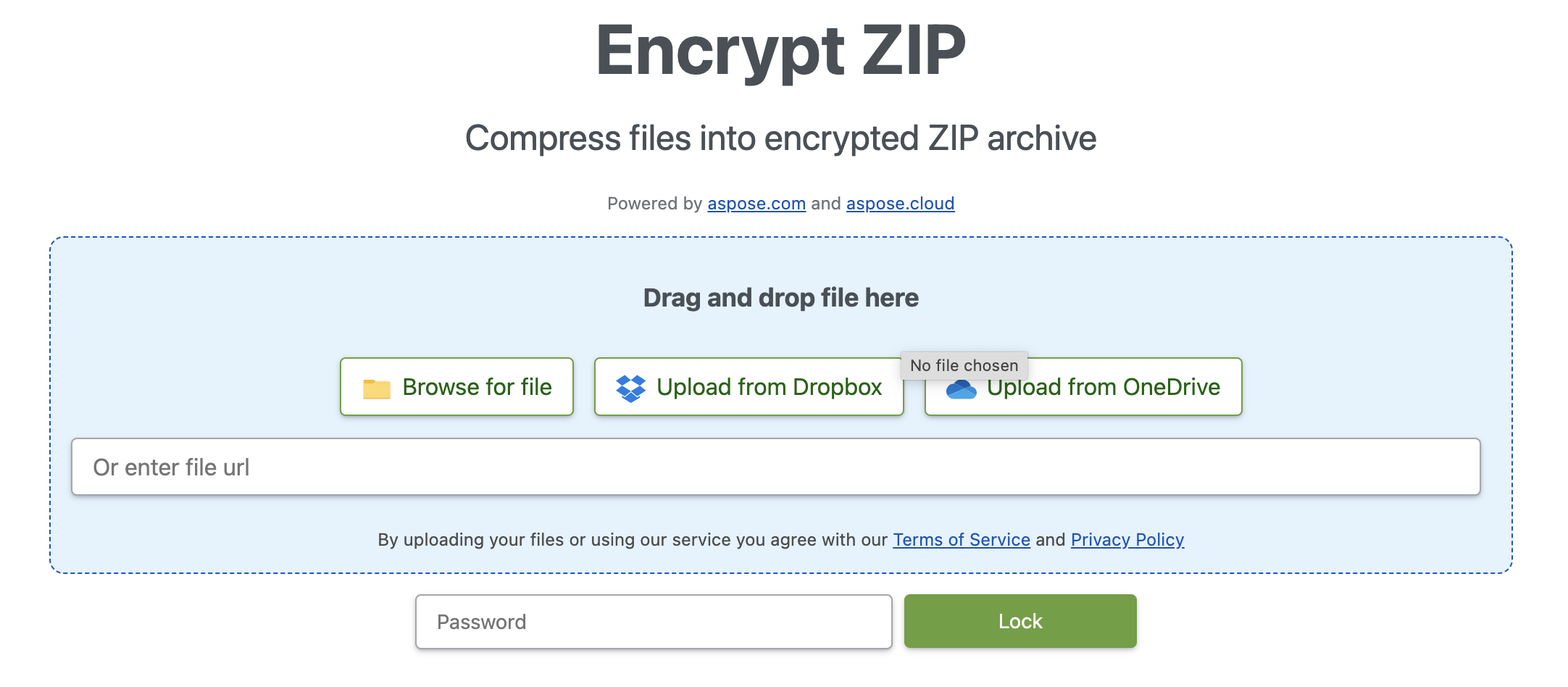
除了 Java ZIP API 之外,您还可以利用在线工具,使用基于 Web 的应用程序在线为 ZIP 文件提供密码保护。事实上,该工具是免费的,只需点击一下即可创建受密码保护的 ZIP 文件。
从 ZIP 文件中移除密码 - 代码示例
同样,这个 Java ZIP API 也提供了以编程方式从 ZIP 文件中移除密码的功能。因此,只需几行源代码就能自动完成整个过程。
您可以按照下面提到的步骤进行操作:
创建 ArchiveLoadOptions 类的实例。
创建一个 Archive 类对象。
调用 extractToDirectory 方法,将存档中的所有文件提取到提供的目录中。
将以下代码段复制并粘贴到您的主服务器文件中,为您的业务应用程序创建 ZIP 密码去除模块:
package com.example;
import com.aspose.zip.Archive;
import com.aspose.zip.ArchiveLoadOptions;
public class Main {
// Remove password from ZIP files
public static void main(String[] args) {
// Define the directory path of the source files.
String dir = "/Desktop/";
// Create an instance of the ArchiveLoadOptions class.
ArchiveLoadOptions options = new ArchiveLoadOptions();
options.setDecryptionPassword("qwerty");
// Create an object of the Archive class.
try (Archive archive = new Archive(dir+"protected_archive.zip", options)) {
// Invoke the extractToDirectory method to extract all the files in the archive to the directory provided.
archive.extractToDirectory(dir+"outputDirectory");
}
}
}
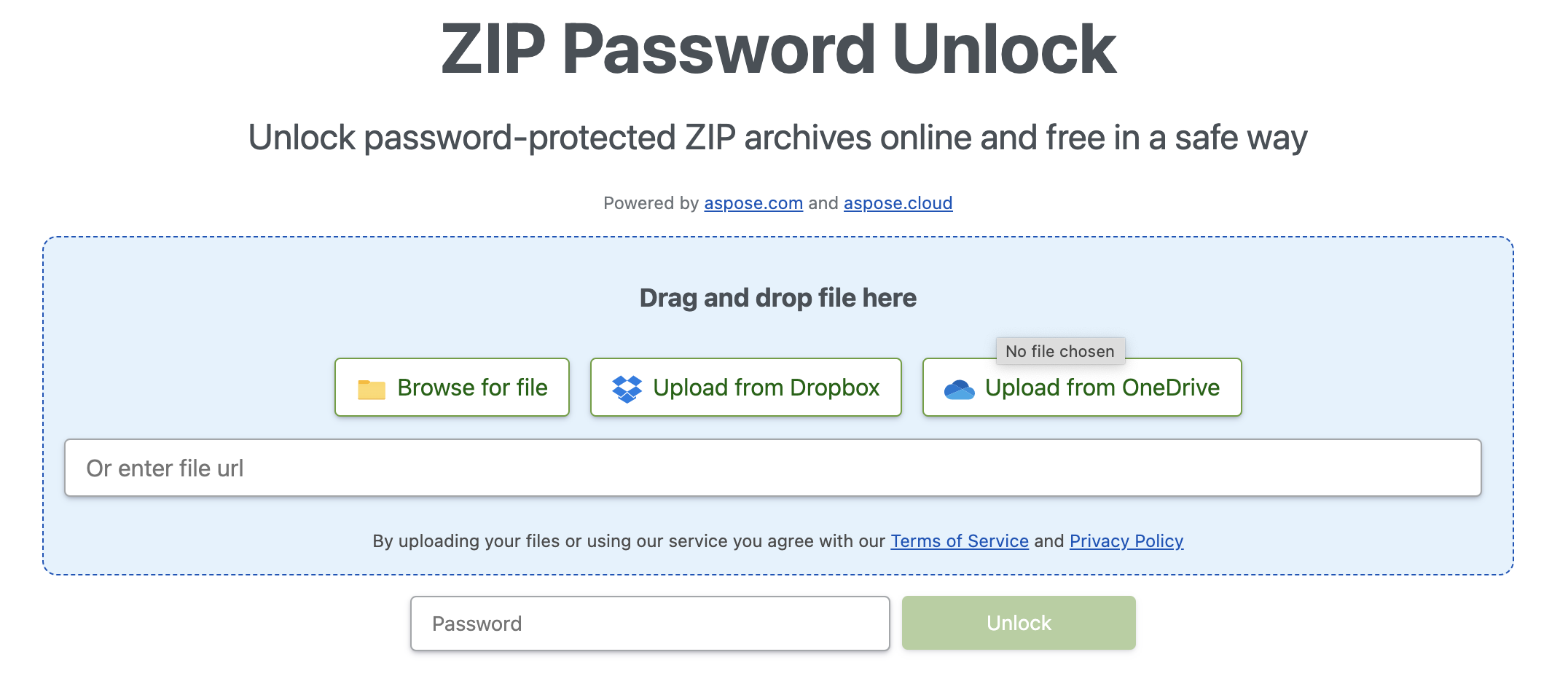
ZIP 密码清除器 - 在线工具
您可以试试这款由 Aspose.ZIP 提供的在线 ZIP 密码去除工具。此外,它还提供友好的用户界面,您可以通过多种方式上传文件。
立即试用 - 获取免费许可证
您可以获得免费的临时许可证,在没有评估限制的情况下试用 Java ZIP API。
结论
本文介绍了如何用 Java 创建受密码保护的 ZIP 文件。此外,我们还实现了以编程方式从 ZIP 文件中移除密码的功能。现在,您可以轻松地开发自己的 ZIP 密码移除器来自动执行此过程。Aspose.ZIP for Java 还提供从 ZIP 文件中移除密码和向 ZIP 文件添加密码的在线应用程序。此外,您还可以通过文档和 API 参考资料了解更多有关所提供的其他功能的信息。最重要的是,您可以查看入门指南来开始开发。





 渝公网安备50010702505508