


.NET开发人员现在可以为商业软件开发批量图片下载器了。Aspose.HTML for .NET是一种合适的图片提取服务,它提供了大量的类和方法,可通过编程从网页中提取图片。此外,使用这个 C# 库不需要复杂的回声系统,您可以用 C# 从网站上轻松下载图片。此外,使用 Aspose.HTML for .NET,您还可以提取图形和文本数据。因此,让我们开始这篇文章,不再赘述。
我们将在本指南中介绍以下几个部分:
图像提取服务安装
用 C# 从网站下载图像 - 代码示例
在线数据提取器
图像提取服务安装
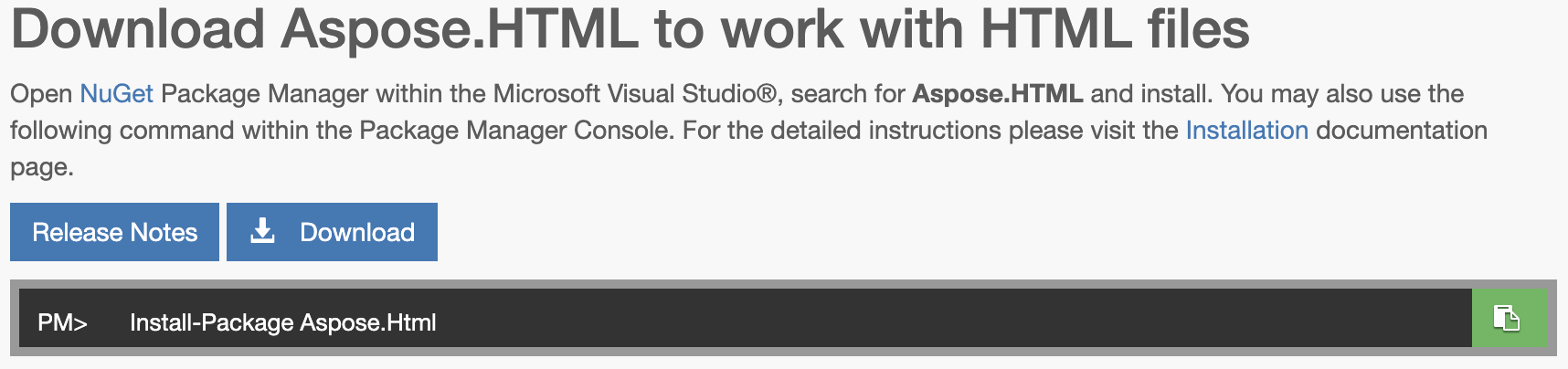
因此,通过安装此 C# 应用程序接口,您可以以编程方式解析 HTML 页面。除了数据提取外,它还能将 HTML 页面转换为其他流行的文件格式。因此,请在您的计算机上安装 .NET,然后通过下载 DLL 文件或在 NuGet 包管理器中执行以下命令来安装图像提取服务:
PM> Install-Package Aspose.Html
安装过程非常简单,如果遇到困难,也可以点击此处查看安装说明。
用 C# 从网站下载图像 - 代码示例
现在,我们可以通过编程实现从网页中提取图片的功能。
以下步骤演示了如何用 C# 从网站下载图像:
通过初始化 HTMLDocument 类对象,打开要提取图片的网页。
调用 GetElementsByTagName 方法收集所有 "img "元素。
调用 Select 方法创建相对图像 URL 的不同集合,并创建绝对图像 URL。
循环浏览所有绝对图像 URL。
通过初始化 RequestMessage 类对象,创建图像请求消息。
调用 Context.Network.Send(request) 方法提取图像。
检查响应是否成功,并通过调用 WriteAllBytes 方法将图像保存到本地文件系统。
以下代码示例展示了如何以编程方式开发批量图像下载器:
using Aspose.Html;
using Aspose.Html.Net;
namespace AsposeHTML
{
    class HTML
    {
        // Download Images From Website using Image Extraction Service
        static void Main(string[] args)
        {
            // Define the working directory path.
            String dataDir = "/files/";
            // Open a web page you want to extract images from by initializing an object of the HTMLDocument class.
            using var document = new HTMLDocument("https://blog.aspose.com/tex/latex-mathematical-expressions-using-latex-to-image-api/");
            // Collect all <img> elements by calling the GetElementsByTagName method.
            var images = document.GetElementsByTagName("img");
            // Call the Select method to create a distinct collection of relative image URLs and create absolute image URLs.
            var urls = images.Select(element => element.GetAttribute("src")).Distinct();
            var absUrls = urls.Select(src => new Url(src, document.BaseURI));
            // Loop through all the absolute image URLs.
            foreach (var url in absUrls)
            {
                // Create an image request message by initializing an object of the RequestMessage class.
                using var request = new RequestMessage(url);
                // Extract images by making a call to the Context.Network.Send(request)  method.
                using var response = document.Context.Network.Send(request);
                // Check whether a response is successful and save image to a local file system by calling the WriteAllBytes method.
                if (response.IsSuccess)
                {
                    File.WriteAllBytes(Path.Combine(dataDir, url.Pathname.Split('/').Last()), response.Content.ReadAsByteArray());
                }
            }
        }
    }
}
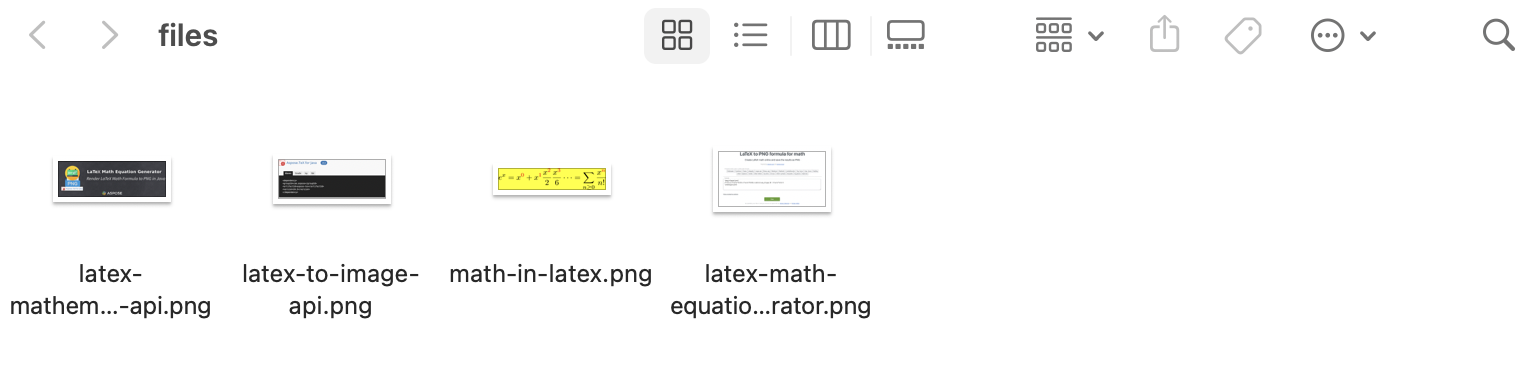
您可以在下图中看到输出结果:
在线数据提取器
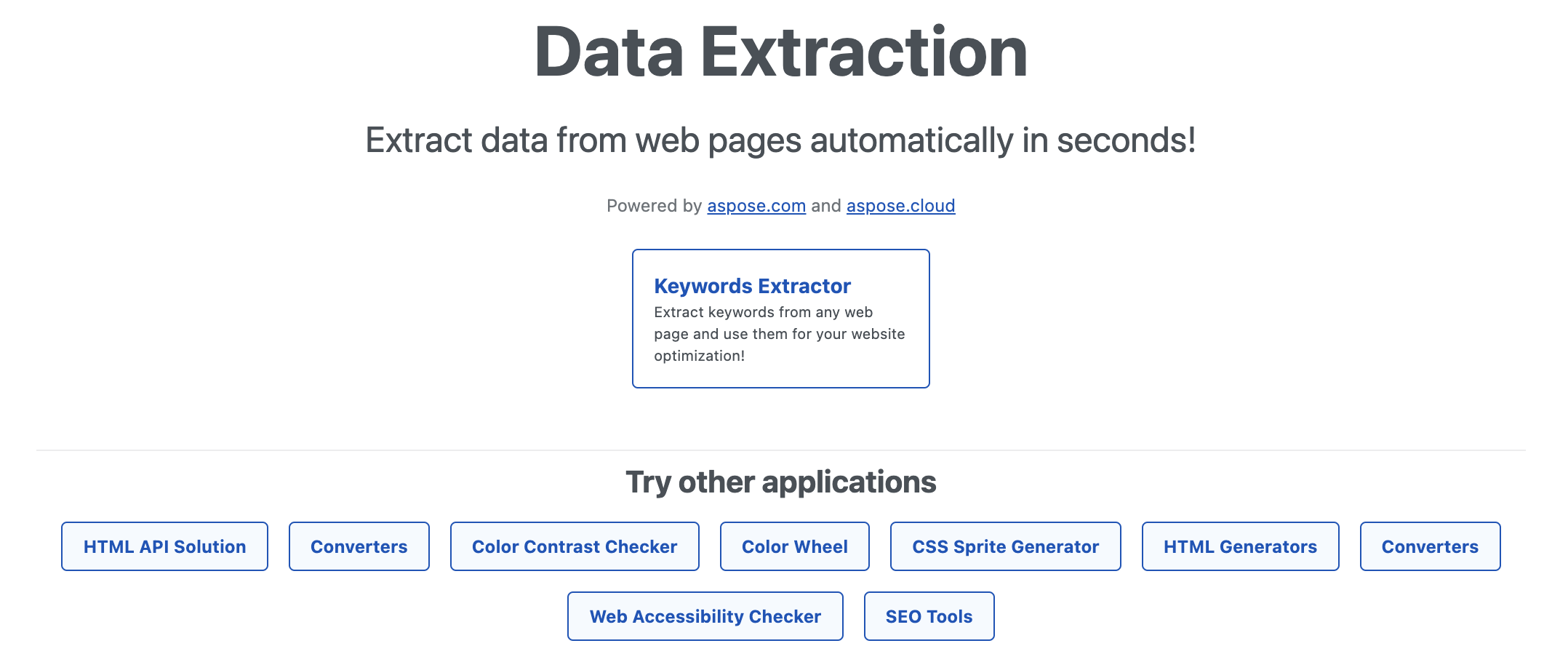
有一种由 Aspose.HTML 支持的在线工具。不过,这款企业级在线数据提取器配备了用户友好型用户界面,只需点击一下即可执行数据提取。此外,它基于网络,无需创建账户。因此,只需在网络浏览器中打开该工具,即可开始重要数据提取。事实上,在不久的将来,这款在线工具还将添加更多功能。
从网络中提取图像 - 获取免费许可证
你可以免费获得临时许可证,试用这项无评估限制的图像提取服务。
结束语
本文到此结束,希望你已学会如何用 C# 编程从网站下载图片。此外,我们还介绍了开发批量图片下载器的步骤和代码片段。此外,您还可以使用 Aspose.HTML for .NET 在 C# 中编写几行代码,从网页中提取图片。因此,您可以找到有关使用和开发的全面文档。此外,API 参考资料将为 .NET 开发人员提供一个起点。





 渝公网安备50010702505508