


Aspose.Slides for Node.js via Java 正在持续开发并发布转换和处理 MS PowerPoint 文件的新功能。本文将介绍如何在 Node.js 中将 PowerPoint 幻灯片转换为图像。我们将安装这个功能丰富的 Node.js PowerPoint API,以编程方式将 PPT 转换为 TIFF。现在,您将能够为您的商业软件开发一个 PowerPoint 到 TIFF 的转换器。那么,让我们继续在 Node.js 中将 PowerPoint 转换为高分辨率 TIFF。
我们将在本文中介绍以下内容:
安装 Node.js PowerPoint API
在 Node.js 中将 PowerPoint 幻灯片转换为图像 - 代码示例
PPT 到 TIFF 转换器 - 在线工具
安装 Node.js PowerPoint API
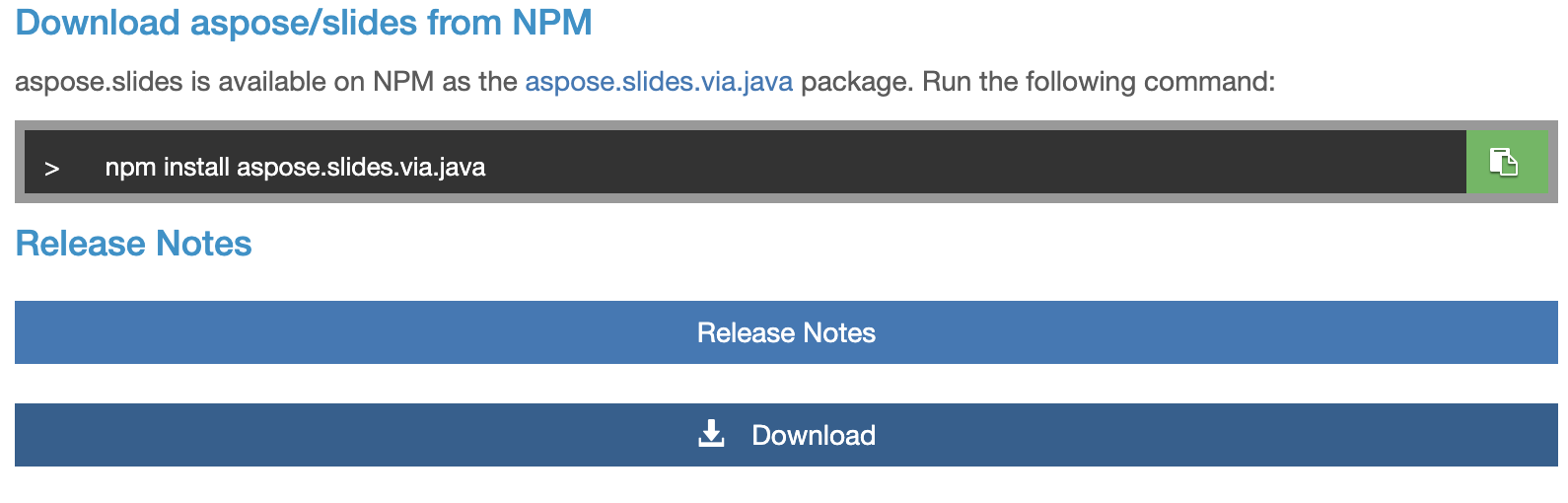
安装时,您可以下载 NPM 软件包,或在 CMD/terminal 中运行以下命令:
npm install aspose.slides.via.java
如果遇到任何困难,请访问本安装指南。
在 Node.js 中将 PowerPoint 幻灯片转换为图像 - 代码示例
您可以按照以下步骤以编程方式将 PowerPoint 转换为高分辨率 TIFF 图像:
将 aspose.slides.via.java 库导入您的项目。
创建 Presentation 类实例并加载源 PPTX 文件。
调用保存方法将 PPT 转换为 TIFF 并保存到磁盘上。
以下代码示例演示了如何在 Node.js 中将 PowerPoint 幻灯片转换为图像:
var aspose = aspose || {};
// Import the aspose.slides.via.java library into your project.
aspose.slides = require("aspose.slides.via.java");
// Create an instance of the Presentation class and load the source PPTX file.
var presentation = new aspose.slides.Presentation("/first_ppt.pptx");
try
{
    // Invoke the save method to convert PPT to TIFF and save it on the disk.
    presentation.save("/PPT-to-TIFF.tiff",aspose.slides.SaveFormat.Tiff);
    console.log("PowerPoint slide to image conversion executed successfully.")
}
finally
{
    if (presentation != null) presentation.dispose();
}
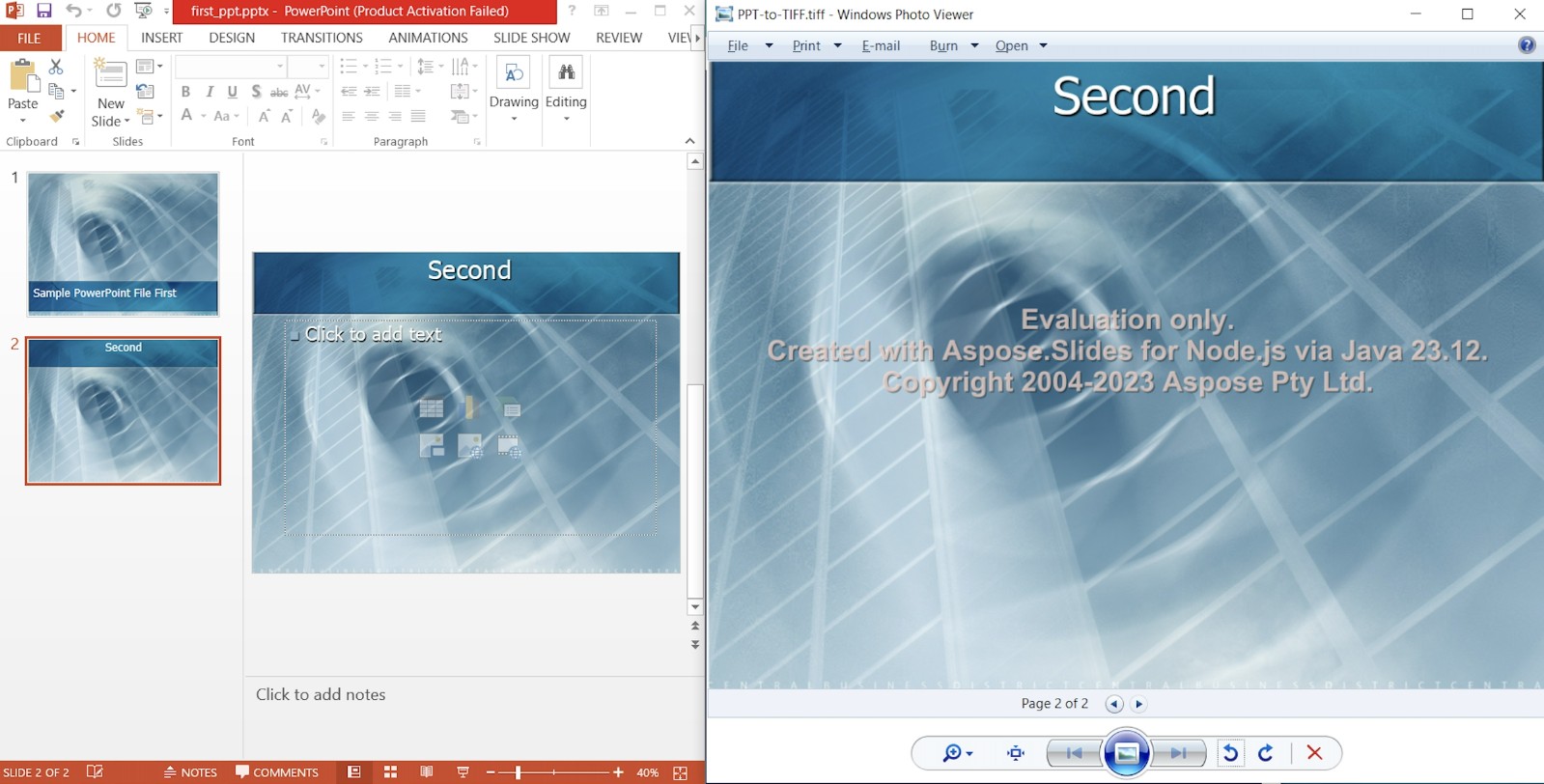
您可以在下图中看到输出结果:
PPT 到 TIFF 转换器 - 在线工具
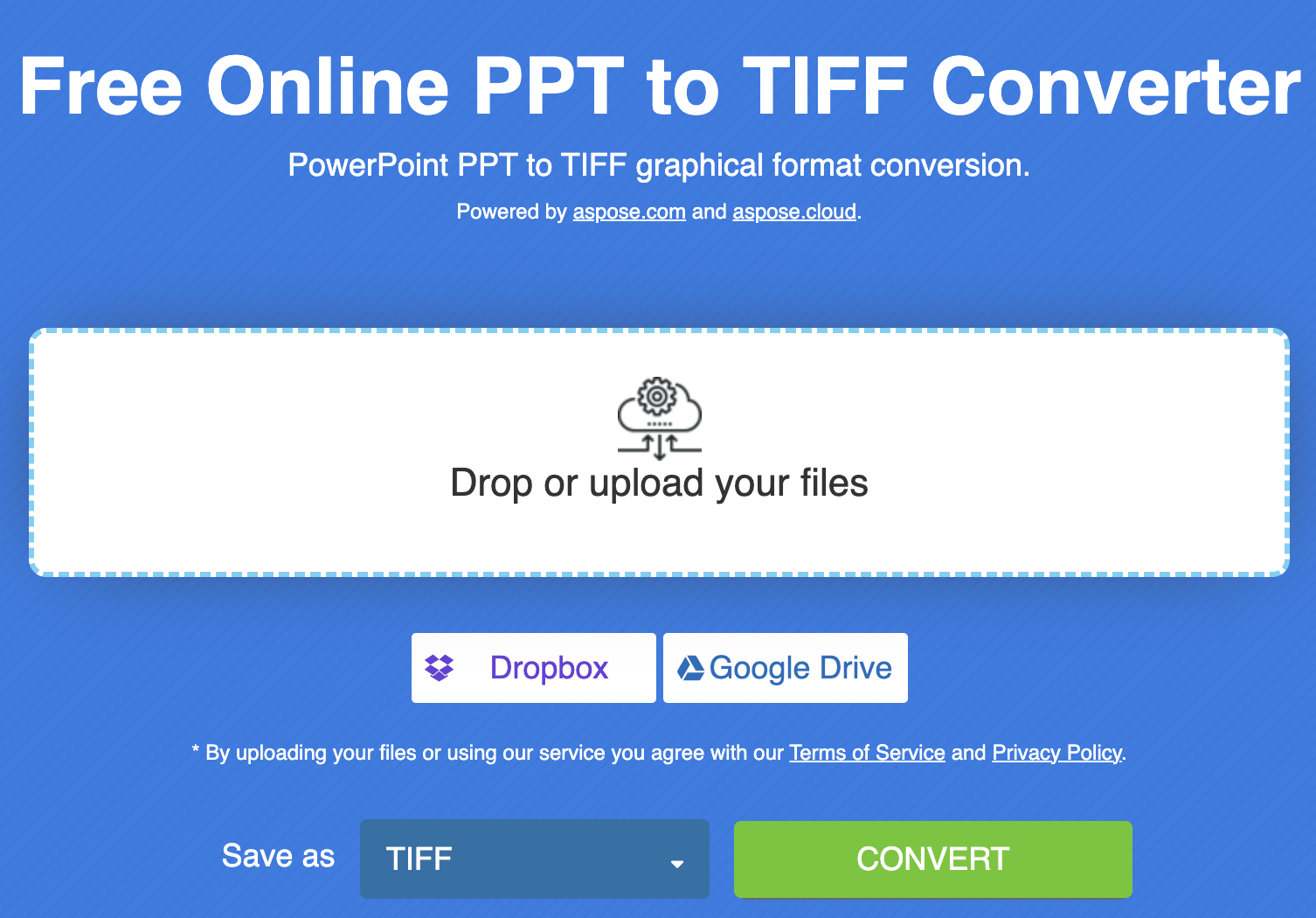
这款在线 PowerPoint 到 TIFF 转换器提供可靠、快速的 PPT/PPTX 到 TIFF 转换。最重要的是,它由 Aspose.Slides 提供支持,具有用户友好的拖放用户界面。此外,它是免费的,并可将转换后的文件保留 24 小时。
将 PowerPoint 转换为高分辨率 TIFF- 获取免费许可证
现在,您可以利用免费的临时许可证来试用此 Node.js PowerPoint API,而不受评估限制。
结束语
本文到此结束。我们介绍了如何在 Node.js 中以编程方式将 PowerPoint 幻灯片转换为图像。此外,我们还介绍了开发 PPT 到 TIFF 转换器的步骤和代码示例。Aspose.Slides for Node.js via Java 是构建 PowerPoint 到 TIFF 转换器的首选。此外,您还可以访问文档和 API 参考资料,了解有关 Node.js PowerPoint API 的更多信息。






 渝公网安备50010702505508