


光学标记识别(OMR)是从带有某种标记的文件中检索数据的过程。标记由人工完成,由 OMR 纸张阅读器软件或扫描仪读取。然而,OMR 是自动创建和评估答卷和 OMR 模板的重要组成部分。因此,本文将为 Java 程序员介绍一个 OMR 库。Aspose.OMR for Java 提供了在 Java 中以编程方式构建 OMR 纸张阅读器的功能。此外,我们还将介绍一款在线 OMR 工具,请仔细阅读本文。
我们将在本文中介绍以下内容:
Aspose.OMR for Java - OMR 库安装
Java 中的 OMR 纸张阅读器 - 代码示例
在线 OMR 工具
Aspose.OMR for Java - OMR 库安装
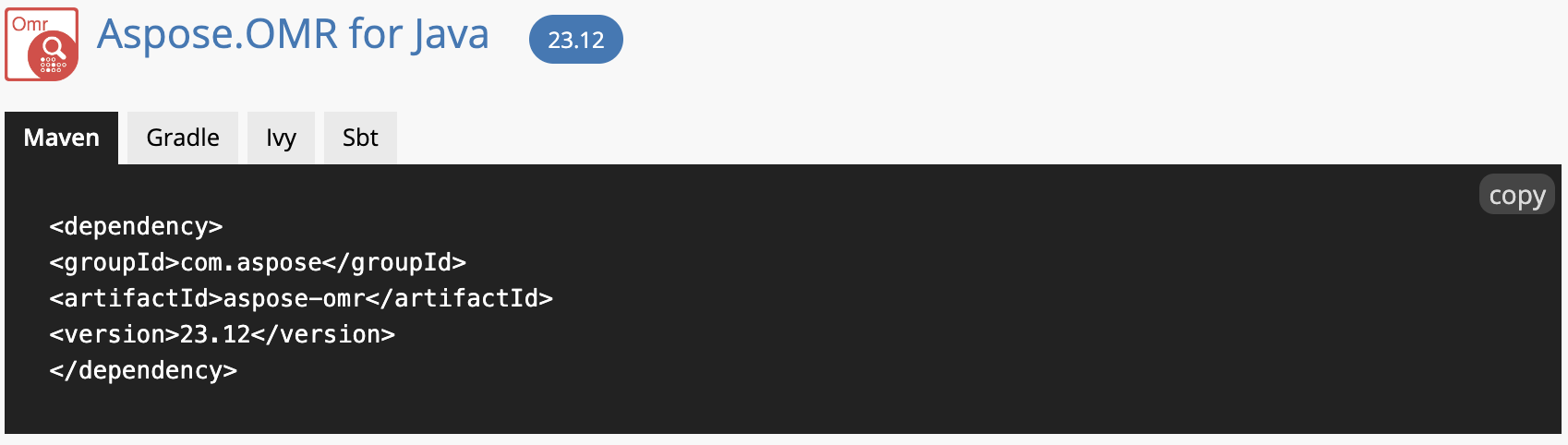
有一个全面的安装指南。因此,您可以下载 JAR 文件或使用以下 Maven 配置:
 <repositories>
     <repository>
         <id>AsposeJavaAPI</id>
         <name>Aspose Java API</name>
         <url>https://releases.aspose.com/java/repo/</url>
     </repository>
</repositories>
 <dependencies>
    <dependency>
        <groupId>com.aspose</groupId>
        <artifactId>aspose-omr</artifactId>
        <version>23.12</version>
    </dependency>
</dependencies>
Java 中的 OMR 纸张阅读器 - 代码示例
现在,我们可以按照下面提到的步骤开始开发 OMR 纸张阅读器软件:
创建一个 OmrEngine 类对象。
调用 getTemplateProcessor 方法获取模板处理器。
设置用于重新计算的自定义阈值,其范围为(0 至 100)。数值越小,气泡被计算为填充所需的黑色像素就越少,反之亦然。
循环浏览图像。
调用 recognizeImage 方法识别图像。
调用 getCsv 方法获取导出 CSV 字符串,并将 CSV 保存到输出文件夹。
调用 recalculate 方法,使用自定义阈值重新计算识别结果。
将重新计算的结果保存到 CSV 文件中。
以下代码片段演示了如何用 Java 编程开发 OMR 纸张阅读器:
package com.example;
import com.aspose.omr.OmrEngine;
import com.aspose.omr.RecognitionResult;
import com.aspose.omr.TemplateProcessor;
import java.io.FileOutputStream;
import java.io.PrintWriter;
// OMR Sheet Reader in Java - OMR Sheet PNG
public class Main {
    public static void main(String[] args) throws Exception {
// Define working directories.
String[] UserImages = new String[] { "/Sheet.png" };
String[] UserImagesNoExt = new String[] { "/files/" };
String templatePath = "/Sheet.omr";
// Create an object of the OmrEngine class.
OmrEngine engine = new OmrEngine();
// Invoke the getTemplateProcessor method to get template processor.
TemplateProcessor templateProcessor = engine.getTemplateProcessor(templatePath);
// Set a custom threshold to use in recalculation whose range is (0 to 100). Lower the value - the fewer black pixels required for a bubble to be counted as filled and vice versa.
int CustomThreshold = 0;
// Loop through the images.
for (int i = 0; i < UserImages.length; i++)
{
String image = UserImages[i];
String imagePath = image;
// Recognize image by calling the recognizeImage method.
RecognitionResult result = templateProcessor.recognizeImage(imagePath);
// Call the getCsv method to get the export CSV string and save the CSV to the output folder.
String stringRes = result.getCsv();
String outputName = UserImagesNoExt[i] + ".csv";
PrintWriter wr = new PrintWriter(new FileOutputStream(outputName), true);
wr.println(stringRes);
// Invoke the recalculate method to recalculate recognition results with custom threshold.
templateProcessor.recalculate(result, CustomThreshold);
stringRes = result.getCsv();
// Save recalculated results in a CSV file.
outputName = UserImagesNoExt[i] + "_recalculated.csv";
wr = new PrintWriter(new FileOutputStream(outputName), true);
wr.println(stringRes);
}
    }
}
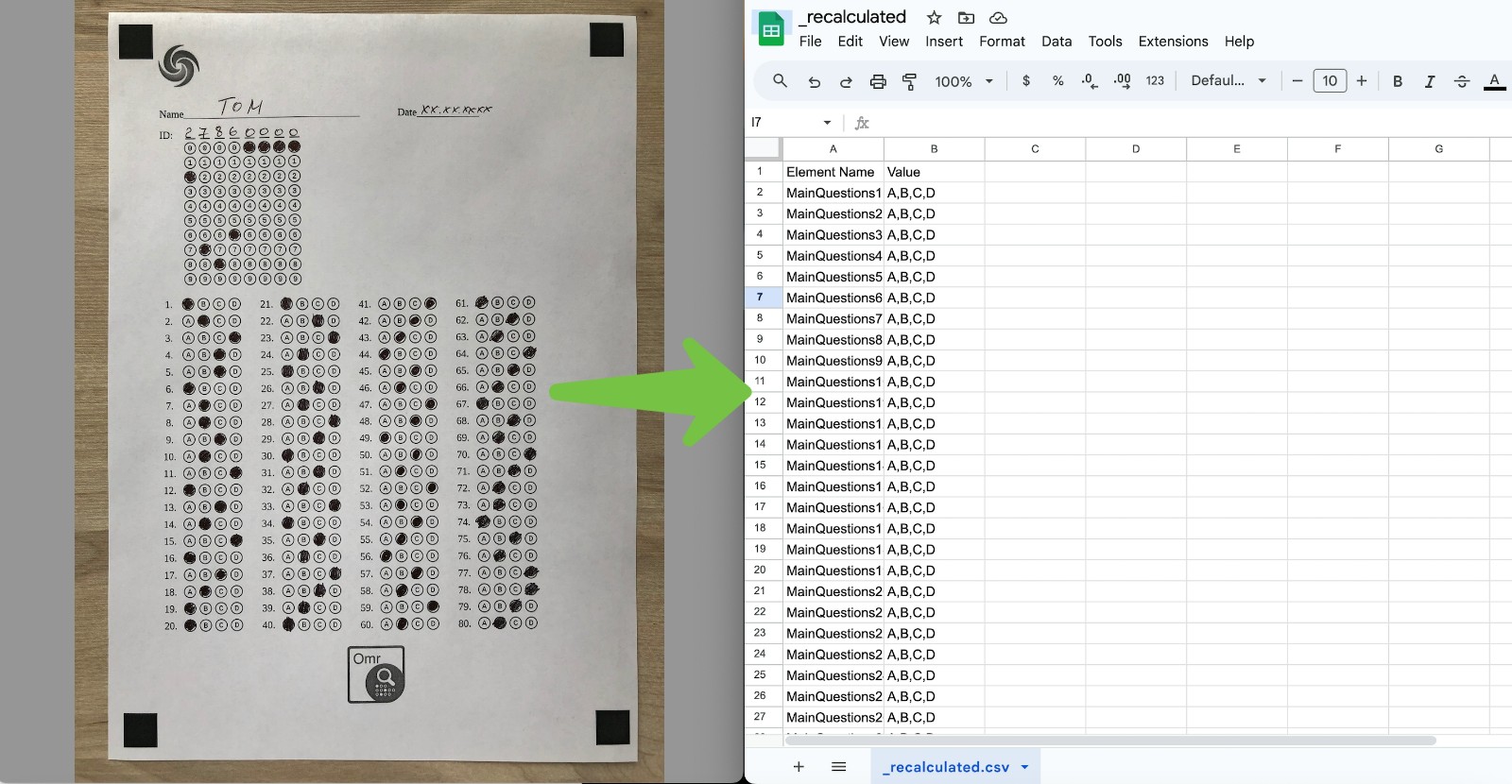
您可以在下图中看到输出结果:
在线 OMR 工具
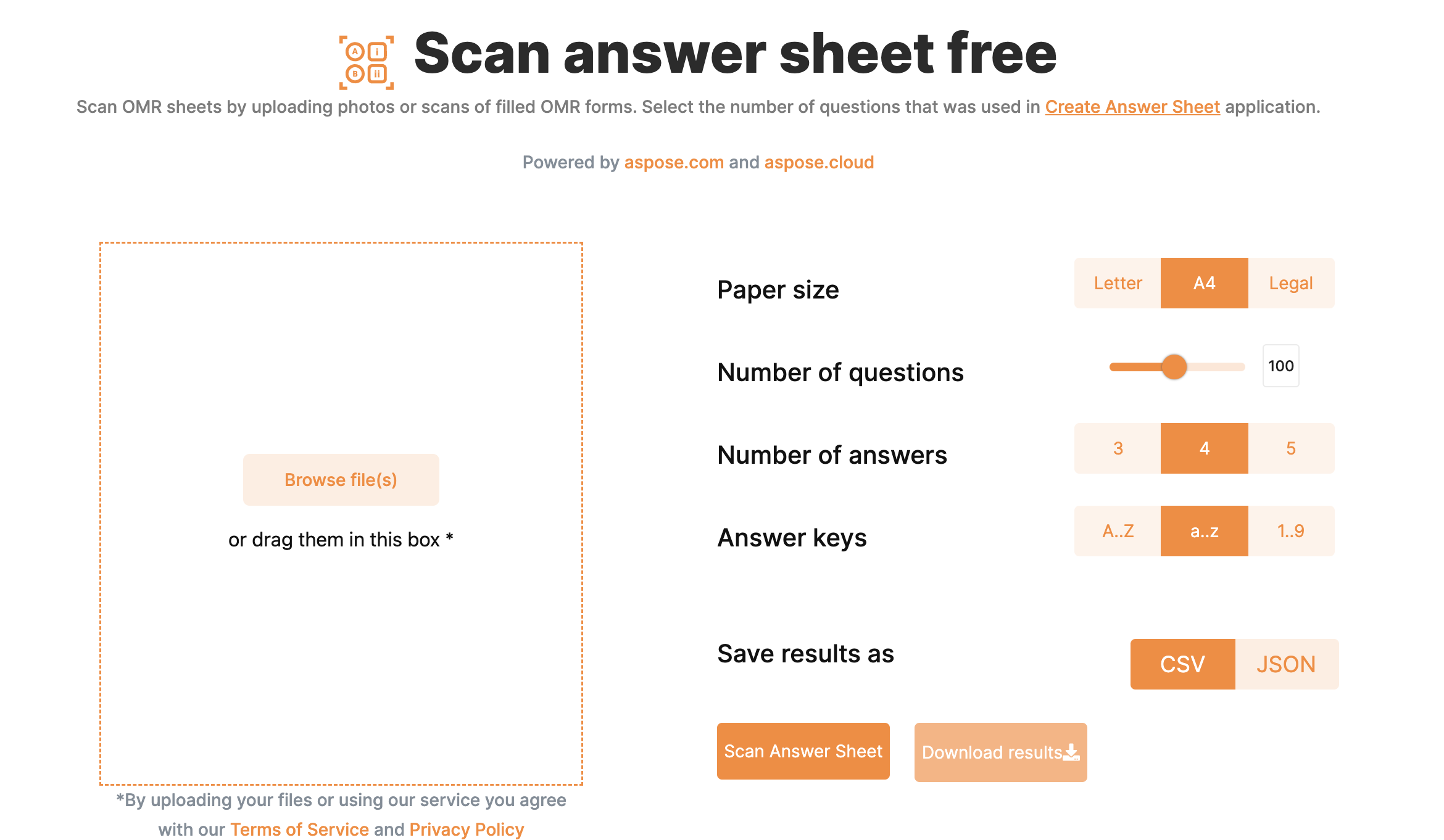
除了 Java OMR 库,Aspose.OMR 还支持在线 OMR 纸张阅读器。因此,这款免费工具安全性高,能高效扫描气泡答题纸。最重要的是,它无需创建账户或订阅。因此,只需拖放文件即可使用。
OMR 表 PNG - 获取免费许可证
现在,您可以获得免费的临时许可证,以试用这个超出评估限制的 OMR 库。
结束语
本篇教程到此结束。我们已经了解了什么是 OMR 以及如何在 Java 中构建 OMR 纸张阅读器。同样,您也可以利用这个 OMR 库开发自己的 OMR 纸张阅读器软件,从而节省时间和人力。此外,您还可以访问 GitHub repo 开始开发。此外,您还可以访问文档和 API 参考资料,了解有关 Aspose.OMR for Java 的更多信息。





 渝公网安备50010702505508